This short Python program opens every Excel file in a folder, replaces text, adds a formula and fixes formatting, then saves. Changes that take half an hour by hand across 52 workbooks finish in seconds.
NeedsPython 3 and the openpyxl library
EditsValues, formulas, number formats
Tested withPython 3.12, openpyxl 3.1
Table of Contents
Setup
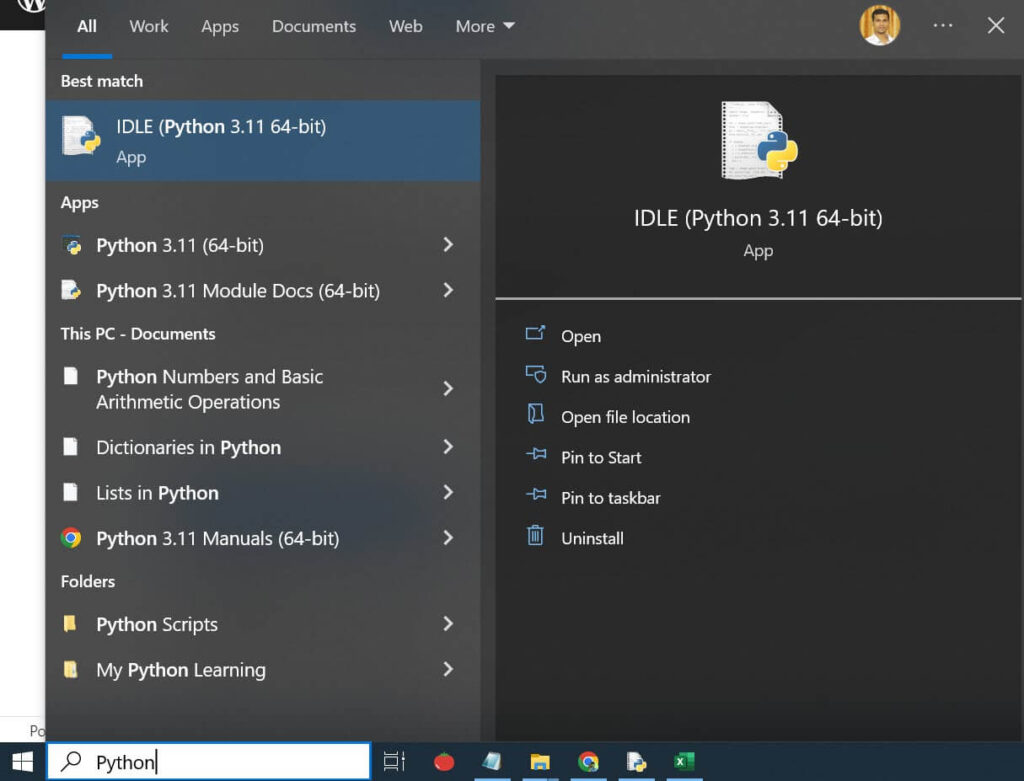
Install Python from python.org, then install openpyxl from the Command Prompt:
pip install openpyxlNew to Python? See Python program to read Excel files for installing Python and IDLE.
The task
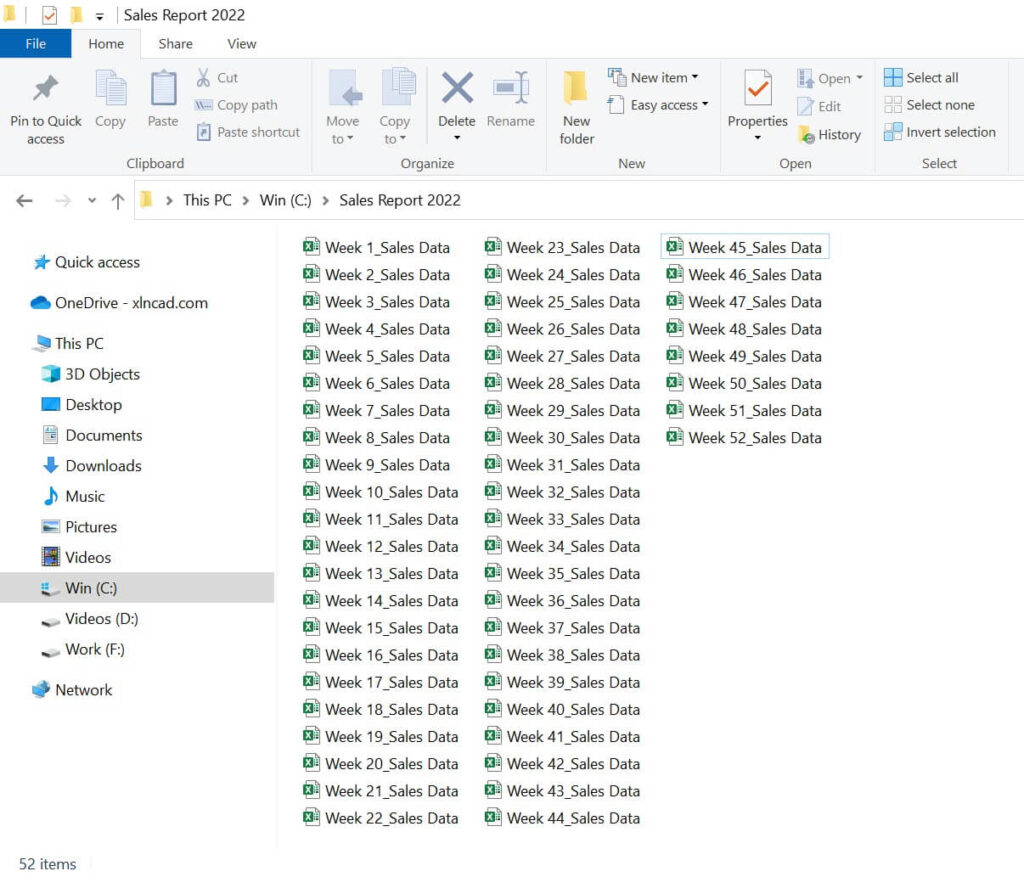
A company saves one sales report per week: 52 workbooks in a folder called Sales Report 2022. Every file needs four changes:
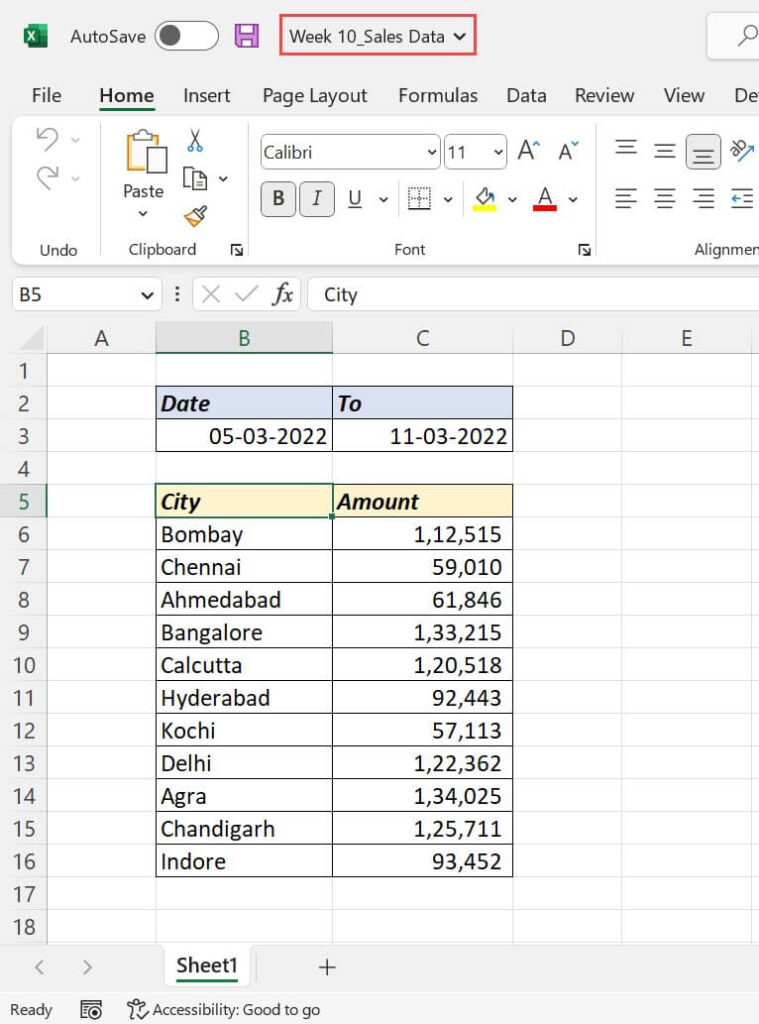
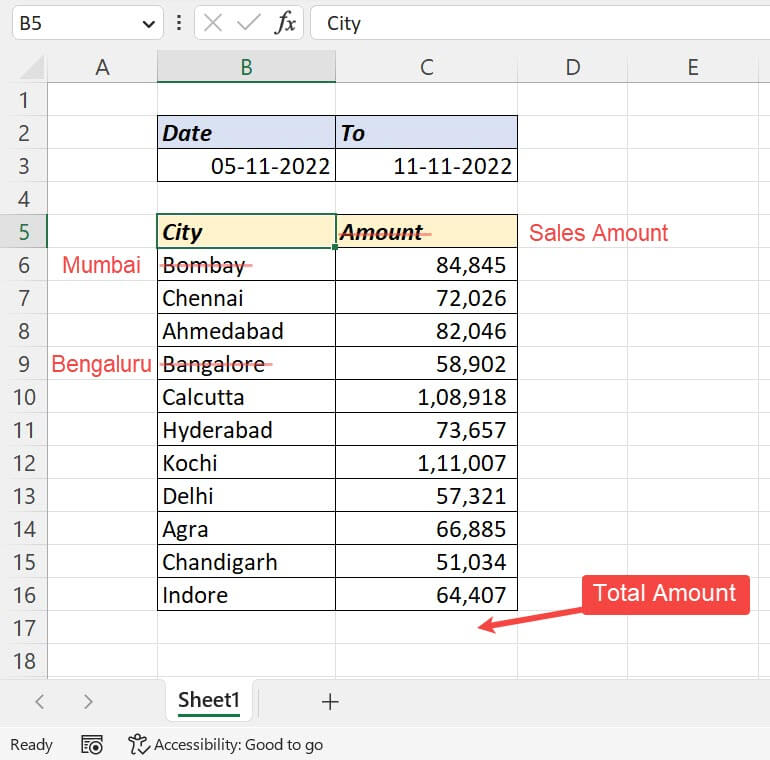
- Replace Bombay in B6 with Mumbai.
- Replace Bangalore in B9 with Bengaluru.
- Rename the header in C5 to Sales Amount.
- Add the total of C6:C16 in C17.
The program
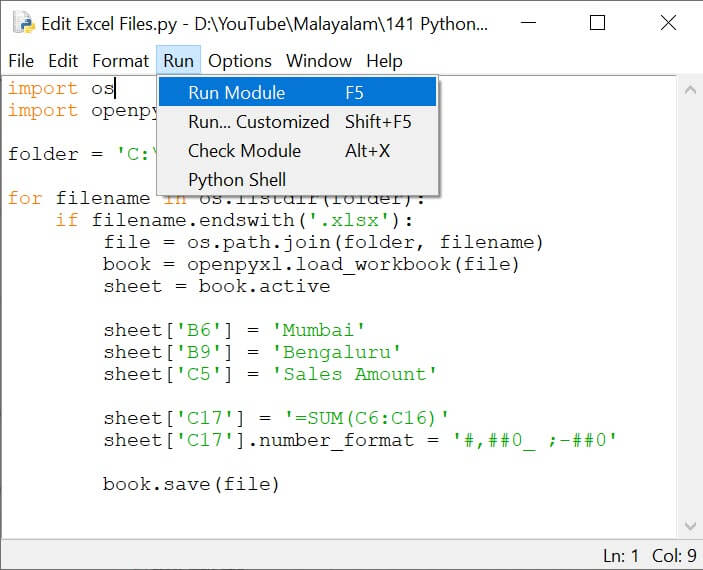
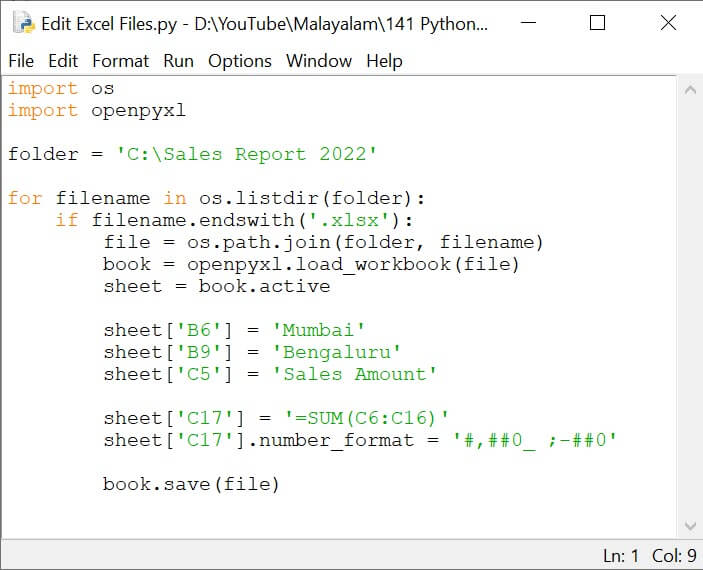
Open IDLE, choose File → New File, paste this, and save it as edit_excel_files.py:
from pathlib import Path
import shutil
import openpyxl

folder = Path(r"C:\Sales Report 2022")
backup = folder / "backup"
backup.mkdir(exist_ok=True)

for file in folder.glob("*.xlsx"):
    if file.name.startswith("~$"):        # skip Excel's temporary lock files
        continue
    shutil.copy2(file, backup / file.name)  # keep an untouched copy first
    book = openpyxl.load_workbook(file)
    sheet = book.active
    sheet["B6"] = "Mumbai"
    sheet["B9"] = "Bengaluru"
    sheet["C5"] = "Sales Amount"
    sheet["C17"] = "=SUM(C6:C16)"
    sheet["C17"].number_format = "#,##0"
    book.save(file)
print("Updated", file.name)Click Run → Run Module. Each file name is printed as it’s updated.
How it works
| Line | What it does |
|---|---|
Path(r"C:\...") |
The folder. The r stops backslashes being read as special characters |
backup.mkdir(...) and shutil.copy2(...) |
Saves an original copy of every file before changing it |
folder.glob("*.xlsx") |
Loops through every .xlsx file in the folder |
startswith("~$") |
Skips the hidden lock files Excel creates while a workbook is open |
sheet["B6"] = ... |
Writes a value. Writing text that starts with = creates a formula |
number_format |
Applies a format, here thousands separators |
book.save(file) |
Saves over the original |
Things to know
- Close the workbooks in Excel before running, or saving will fail.
- openpyxl doesn’t calculate formulas. The SUM shows its result when the file is opened in Excel.
- openpyxl can drop charts, images and macros it doesn’t understand. Test on the backup copies first, and use
.xlsxfiles only, not.xlsmor.xls. book.activeis the sheet that was active when the file was saved. To be sure, usebook["Sheet1"].