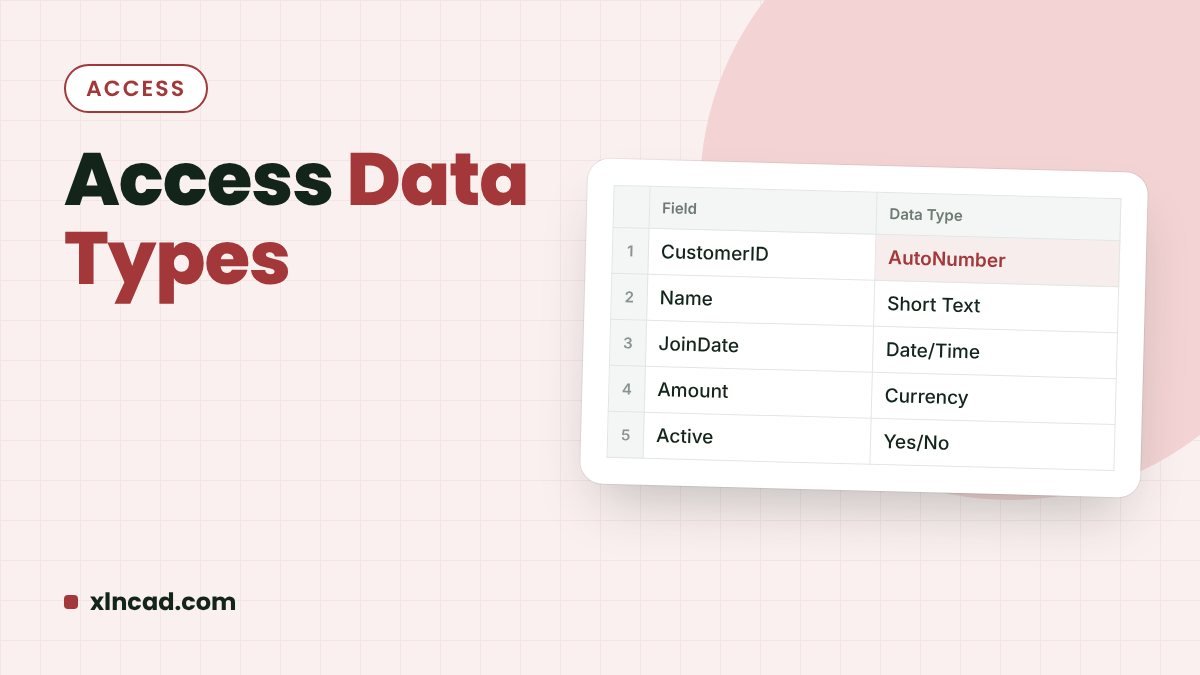
Every field in a Microsoft Access table has a data type. It decides what can be stored, how it is entered in a form, and how it can be sorted and calculated. Choosing the right one at the start saves fixing data later.
Where to set itTable Design View, Data Type column
Most usedShort Text, Number, Date/Time, AutoNumber
Works inAccess 2013 and later, Microsoft 365
Data types at a glance
| Data type | Stores | Example |
|---|---|---|
| Short Text | Text up to 255 characters | Names, cities, IDs, phone numbers |
| Long Text | Text longer than 255 characters | Addresses, notes, comments |
| Number | Numbers you calculate with | Age, quantity, marks |
| Large Number | Very large whole numbers | Counters beyond 2 billion |
| Date/Time | Dates and times | Date of birth, order date |
| Currency | Money, without rounding errors | Price, salary, fees |
| AutoNumber | A number Access fills in | Serial number, record ID |
| Yes/No | True or false | Paid, Active, Verified |
| Hyperlink | Web or email links | Website, email ID |
| Attachment | Files and images | Photos, PDFs |
| Calculated | A result from other fields | Full name, total amount |
| Lookup Wizard | A drop-down list | Gender, department, status |
How to choose
- Short Text for IDs and phone numbers. You never add them up, and leading zeros are kept.
- Number only for values you calculate with. Choose Long Integer for whole numbers and Double for decimals in Field Size.
- Currency for money. It avoids small rounding errors that Double can give.
- AutoNumber for a unique record ID. It makes a good primary key.
- Lookup Wizard for fixed choices. A drop-down keeps entries consistent: no “Male”, “male” and “M” in the same column.
- Attachment for photos. One field can hold several files.
Change a data type
- Right-click the table and choose Design View.
- Click the field’s Data Type and choose a new one.
- Save the table. If existing data can’t be converted, Access warns you before deleting those values.
Tip: Back up the database before changing a data type on a table that already has data.
FAQ
What is the difference between Short Text and Long Text?
Short Text holds up to 255 characters; Long Text holds much more. Use Long Text for addresses and notes.
Should a phone number be Number or Short Text?
Short Text. You don’t calculate with phone numbers, and Number would drop a leading zero.
Can a field have more than one data type?
No. Each field has one data type. Split mixed information into separate fields.