Formula Errors in Excel
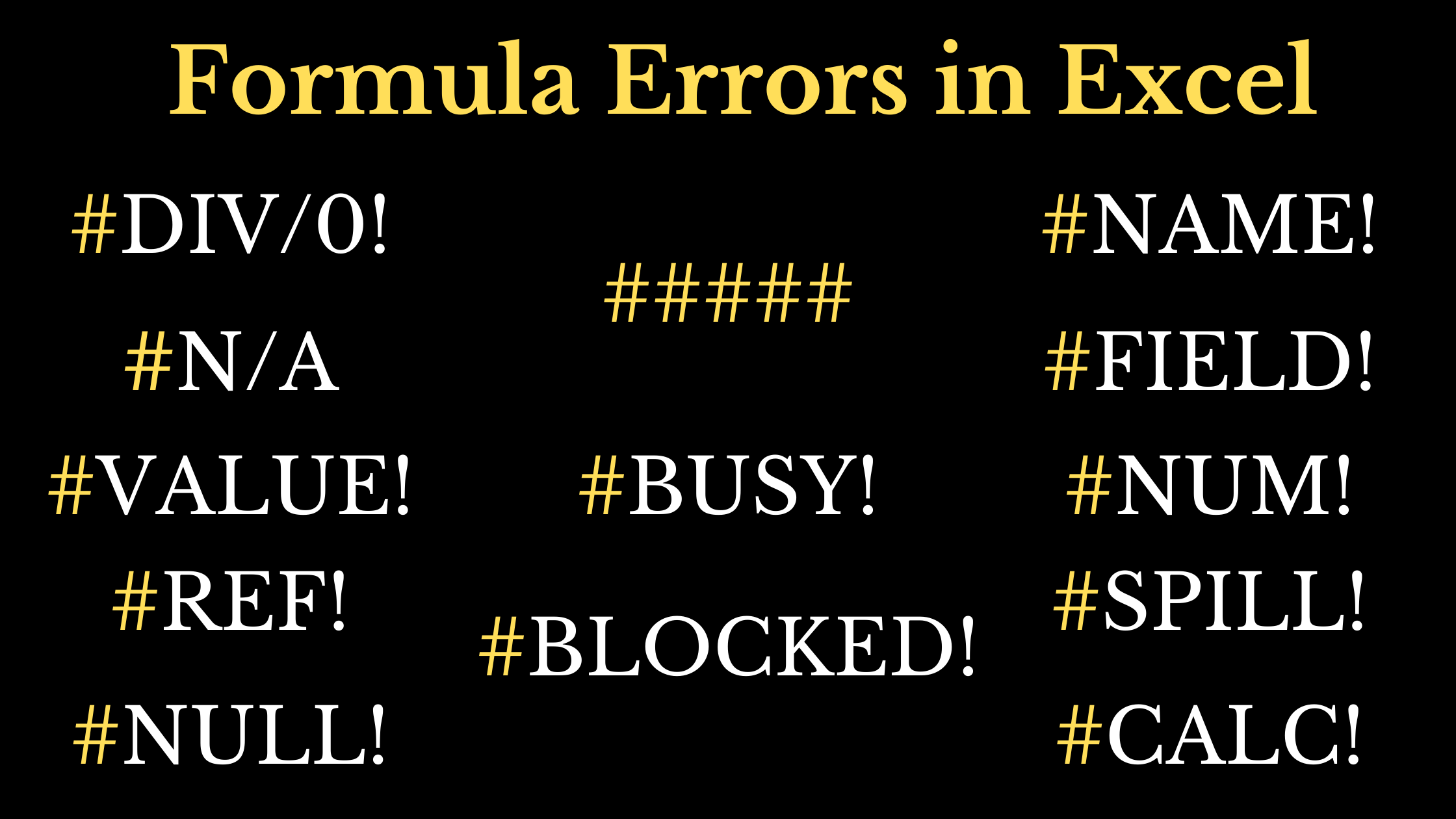
Errors in Excel

If you are a person who use Excel a lot, you might have encountered with these Error Codes like #DIV/0!, #NAME?, #N/A, etc. Each of these error codes tell us something. It gives us information on how to troubleshoot an incorrect formula. Following are the most common Error codes in Excel and this blog post … Read more

Python Program to Edit Excel Files

Using the Python program discussed here, we can ‘add or delete Text’, ‘insert Formulas’ and ‘modify the Formatting’ across thousands of Excel Workbooks in a computer Folder. Install Python and openpyxl To write and execute this program, you need Python, along with the openpyxl library. Those who doesn’t have Python installed on their computer, check … Read more

VLOOKUP from Two or more Tables

The VLOOKUP function in Excel is designed to search for a ‘Lookup Value’ in the first column of the specified Table and return the corresponding Value against the first matching Value. But what if there are two tables, one of which has the possible matching value? A single VLOOKUP function can’t lookup into two different … Read more

TEXTSPLIT and 13 New Functions in Excel

In this blog post, we will have quick look on the 14 New Functions added to Excel on the 3rd week of March 2022. They are TEXTSPLIT, TEXTAFTER, TEXTBEFORE, VSTACK, HSTACK, TOROW, TOCOL, WRAPROWS, WRAPCOLS, TAKE, DROP, CHOOSEROWS, CHOOSECOLS, and EXPAND The first 3 of these new functions TEXTSPLIT, TEXTAFTER, TEXTBEFORE are designed for manipulating … Read more

How to create a Gantt Chart in Excel

Gantt Chart is a horizontal bar chart used for project management and can visually represent a ‘Project Plan’ over ‘Time’. Gantt Charts can be used for scheduling Construction projects, Software development, Research & Design, etc., In this blog post, I will show you how to create a Gantt Chart using Microsoft Excel. Following is the … Read more

How to Round Time in Excel

This Excel Tutorial is about rounding Time Up, Down and to Nearest 15, 30 or 60 minutes. Round Time Up The CEILING function in Excel will round a number up to the nearest multiple of a given number. This logic can be used to round time ‘up’ to the nearest multiple of given Minutes or … Read more

How to import Text files into Excel

This blog post is about 4 different methods to import Text files into an Excel Worksheet. Open dialog To open a Text file stored in a specific location of your computer, go to the File tab of the Excel Ribbon > Open > Browse Open dialog will be activated. Use this dialog to locate the … Read more