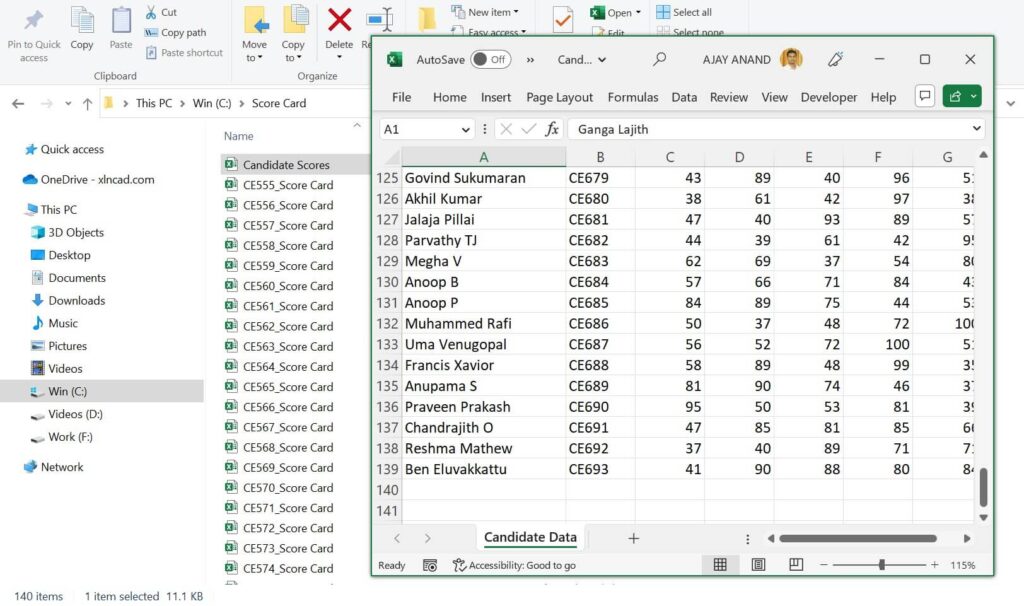
This Python program opens every workbook in a folder, reads the same cells from each, and writes them into one summary sheet. Collecting data from 139 scorecards takes seconds instead of an hour of copy-paste.
NeedsPython 3 and openpyxl
ReadsValues, including formula results
Tested withPython 3.12, openpyxl 3.1
Table of Contents
Video
Setup
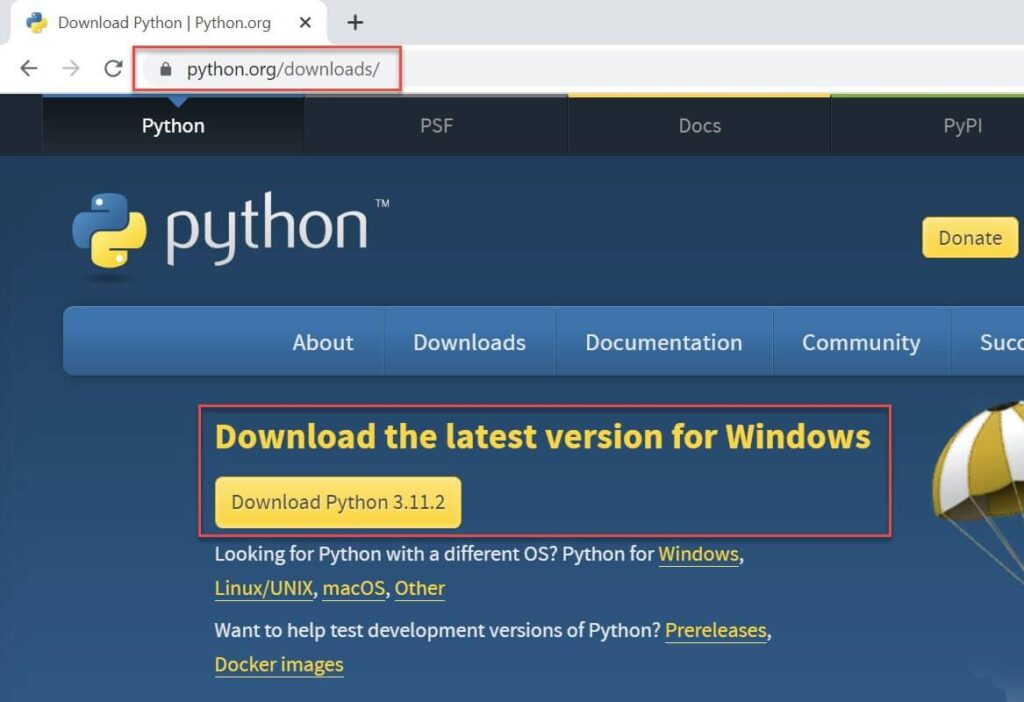
Download Python from python.org and install it. You’ll find IDLE, Python’s editor, in the Start menu.
Then install openpyxl from the Command Prompt:
pip install openpyxl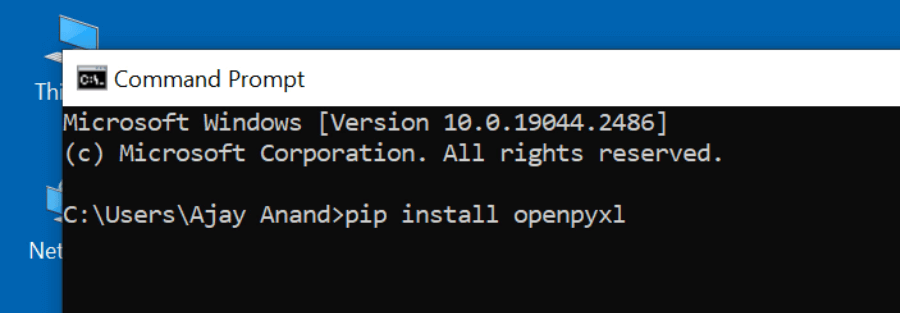
The task
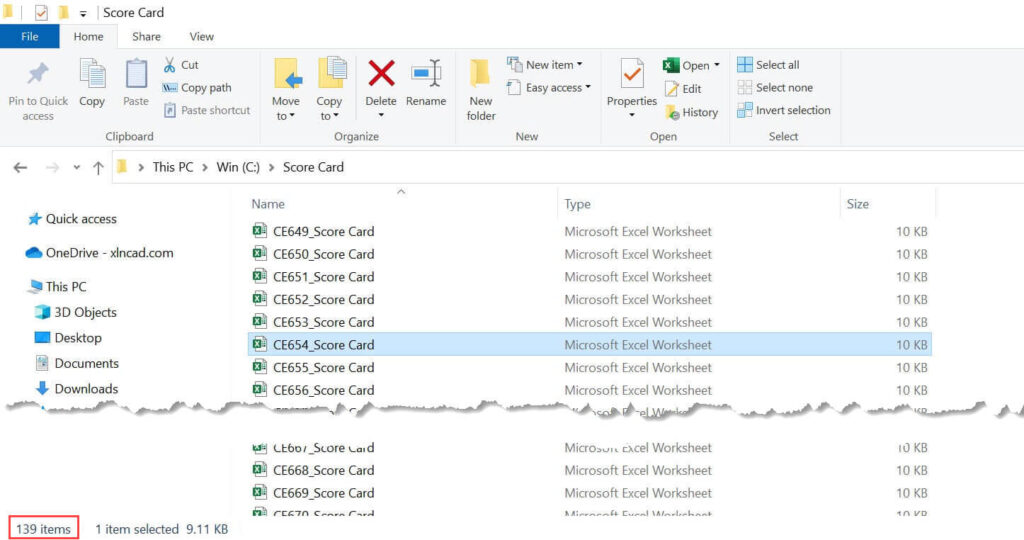
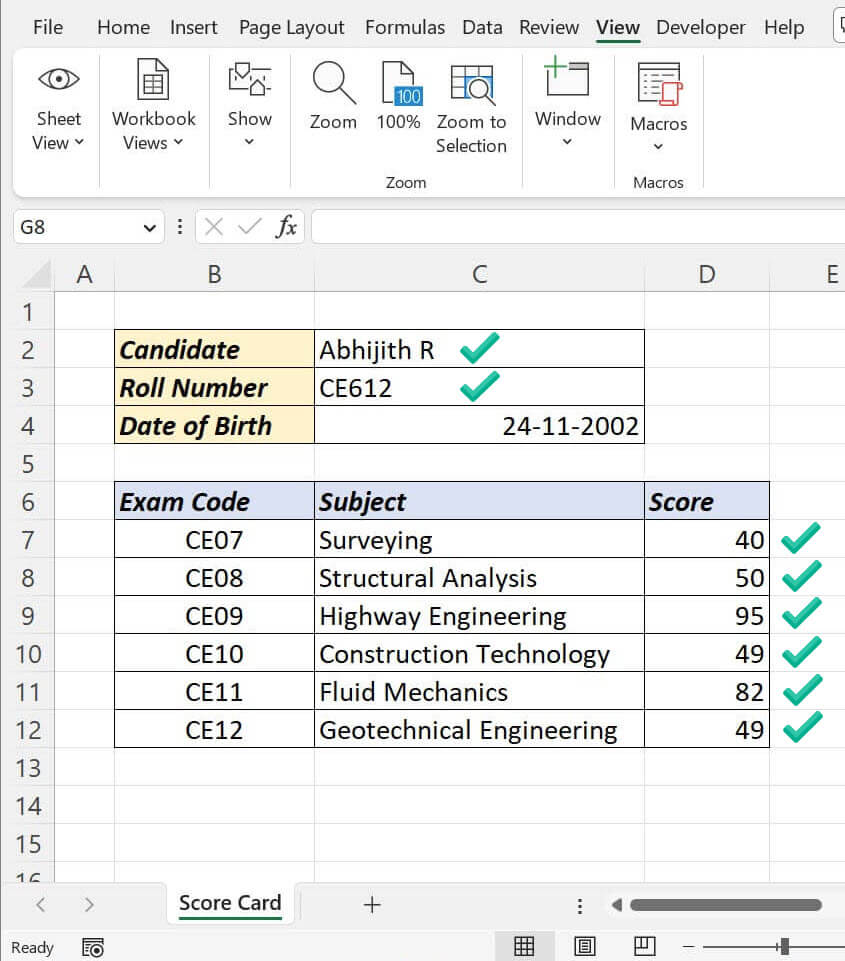
A folder called Score Card has 139 workbooks, one per student, all in the same layout: name in C2, roll number in C3, six scores in D7:D12.
The program
In IDLE, choose File → New File, paste this, save it, then Run → Run Module:
from pathlib import Path
import openpyxl

folder = Path(r"C:\Score Card")
output_file = folder.parent / "Candidate Scores.xlsx"   # saved outside the folder
cells = ["C2", "C3", "D7", "D8", "D9", "D10", "D11", "D12"]

out = openpyxl.Workbook()
sheet = out.active
sheet.title = "Candidate Data"
sheet.append(["File", "Name", "Roll No", "Sub 1", "Sub 2", "Sub 3", "Sub 4", "Sub 5", "Sub 6"])

for file in sorted(folder.glob("*.xlsx")):
    if file.name.startswith("~$"):      # skip Excel's temporary lock files
        continue
    book = openpyxl.load_workbook(file, data_only=True, read_only=True)
    ws = book.active
    sheet.append([file.name] + [ws[c].value for c in cells])
    book.close()

out.save(output_file)
print("Saved", sheet.max_row - 1, "rows to", output_file)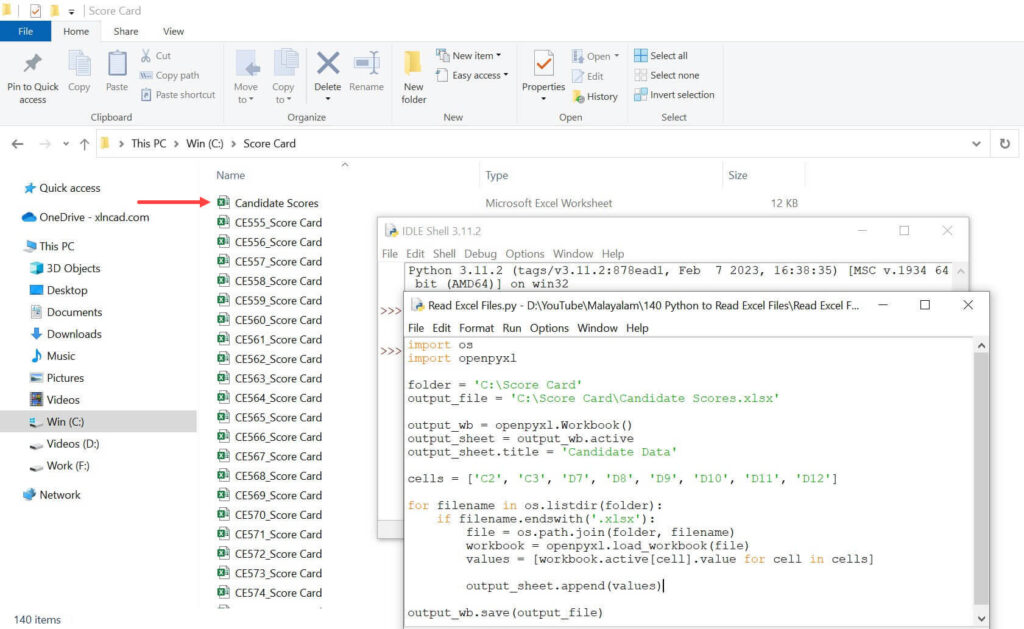
What changed from the original version
| Change | Why |
|---|---|
| Output saved outside the folder | Saved inside, the summary file would be read as a scorecard on the next run |
data_only=True |
Reads the results of formulas, not the formula text |
| Header row and File column | You can trace every row back to its workbook |
Skips ~$ files |
Excel’s hidden lock files would crash the program |
r"C:\..." path |
Stops backslashes being read as special characters |
Adapt it
- Change
folderto your folder andcellsto the cells you need. - Change the header row to match.
data_only=Trueshows formula results only if the files were last saved by Excel. Files created by a script may show empty values until opened and saved in Excel once.
To change files instead of reading them, see the Python program to edit Excel files. For combining whole sheets, try the merge Excel files tool or Power Query.