Following are 4 different methods that can be used to Jump to the First or Last sheet of an Excel Workbook.
Method 1
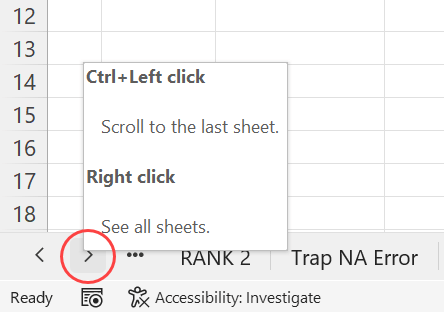
Holding the Ctrl key, left-click on the small right arrow present in the bottom left corner of the workbook. You will land on the last worksheet of the active workbook.
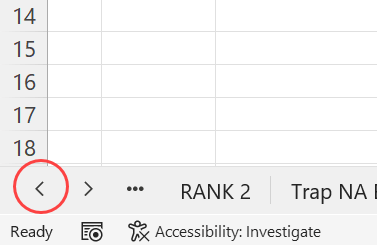
Similarly, to select the first worksheet of a workbook, holding the Ctrl key, left-click on the small left arrow.
Method 2
Macros created with the following VBA codes can be used to navigate to the first and last sheet of a workbook.
VBA code for selecting the first sheet of a Workbook
Sub JumpToFirstSheet()
Sheets(1).Select
End Sub
VBA code for selecting the last sheet of a Workbook
Sub JumpToLastSheet()
Sheets(Sheets.Count).Select
End Sub
Method 3
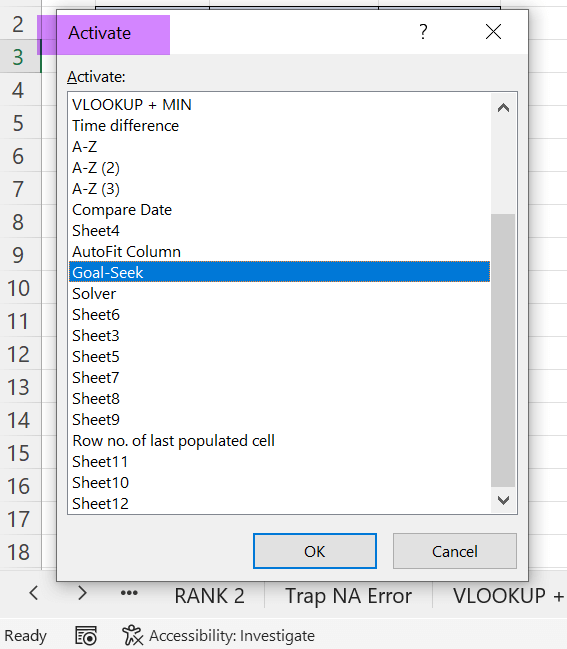
Right-click near the control buttons (left and right arrows) for Sheet tabs.
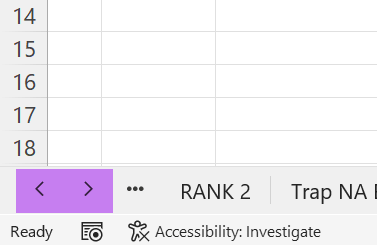
A dialog called Activate with the list of worksheets of that workbook will appear and the same can be used to select any worksheet of our choice.
Method 4
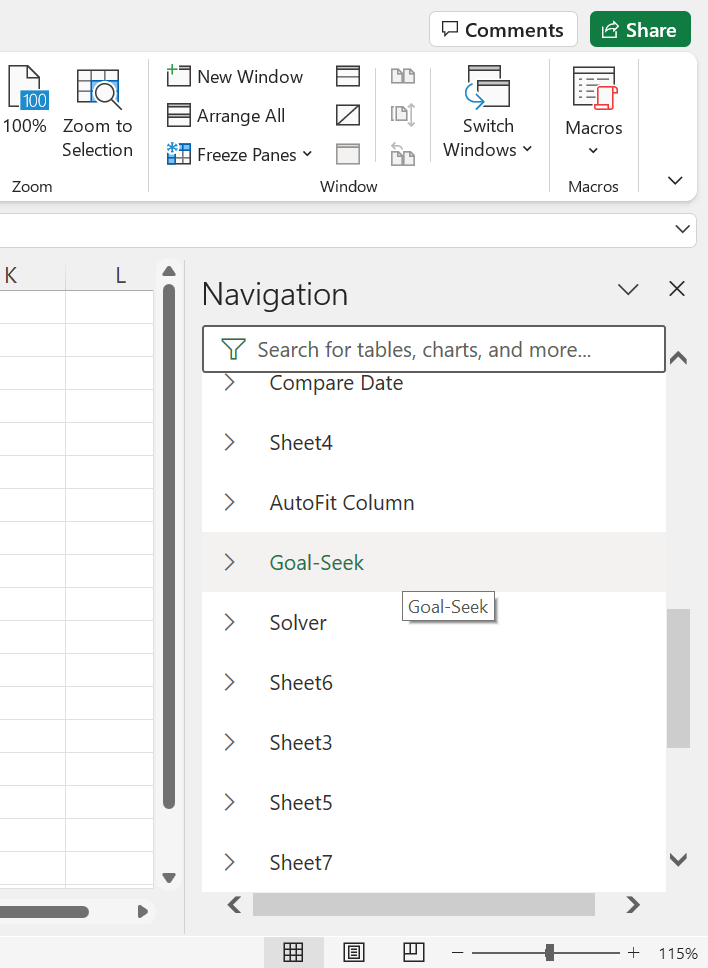
In the latest versions of Excel, there is a new feature called Navigation Pane which will list every worksheet of a workbook.
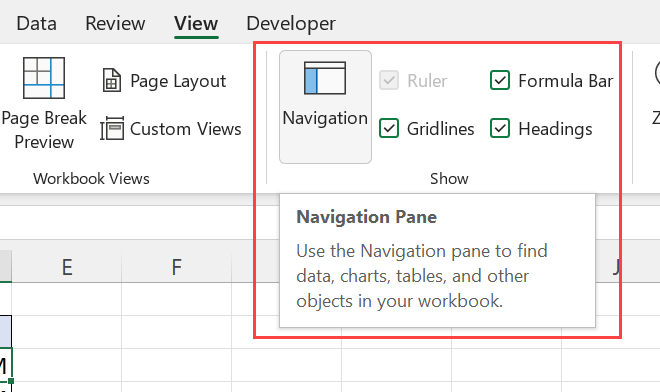
This tool also can be used to select the worksheet of our choice.