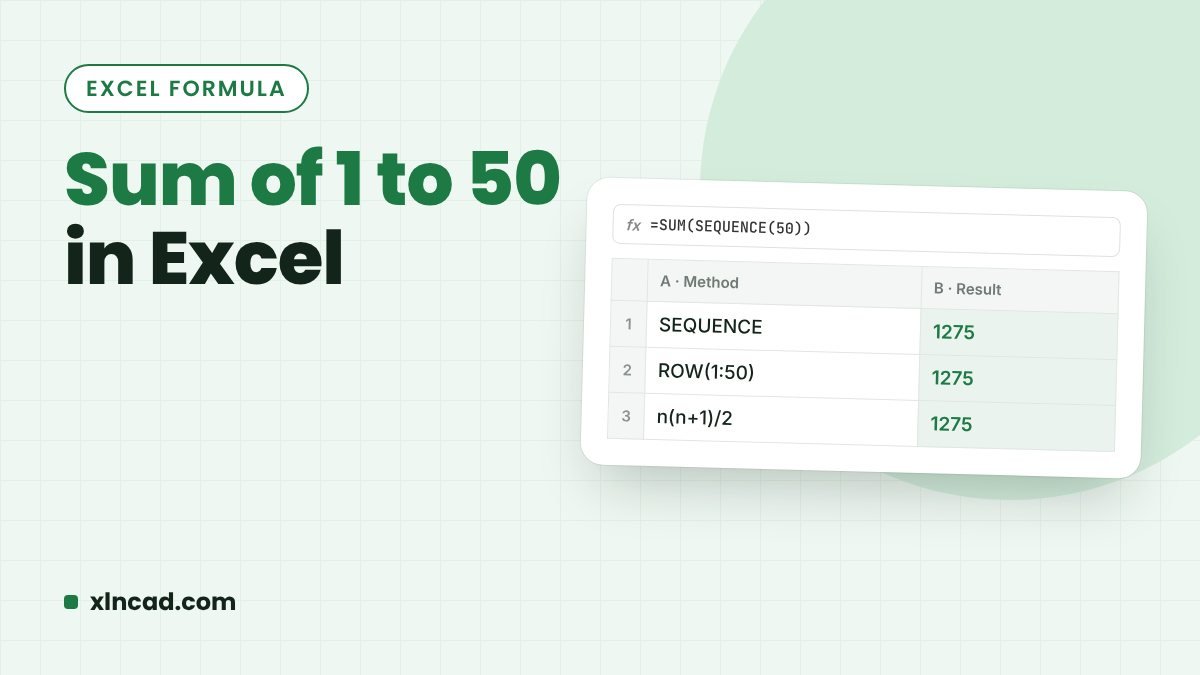
1 + 2 + 3 + … + 50 = 1,275. It's a classic puzzle, and a neat way to compare Excel tools: a one-line maths formula, SEQUENCE, SUMPRODUCT and ROW, Power Query and VBA all get there.
Table of Contents
1. The maths formula
=50*(50+1)/2The sum of 1 to n is n(n+1)/2. Pair the numbers from both ends: 1+50, 2+49, 3+48… Each pair adds to 51, and there are 25 pairs, so 25 × 51 = 1,275. With n in A1: =A1*(A1+1)/2.
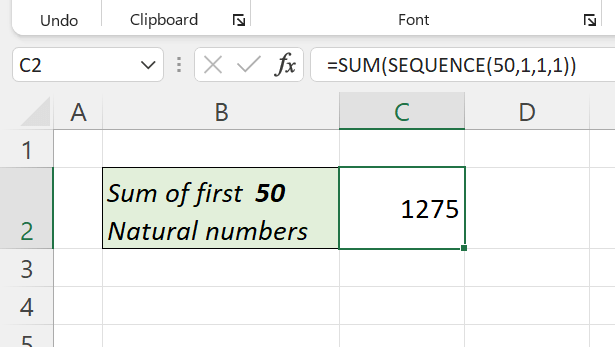
2. SUM and SEQUENCE (Excel 365)
=SUM(SEQUENCE(50))SEQUENCE lists 1 to 50 and SUM adds them. Change 50 to any number. Sum of the even numbers: =SUM(SEQUENCE(25,,2,2)).
3. SUMPRODUCT and ROW (any version)
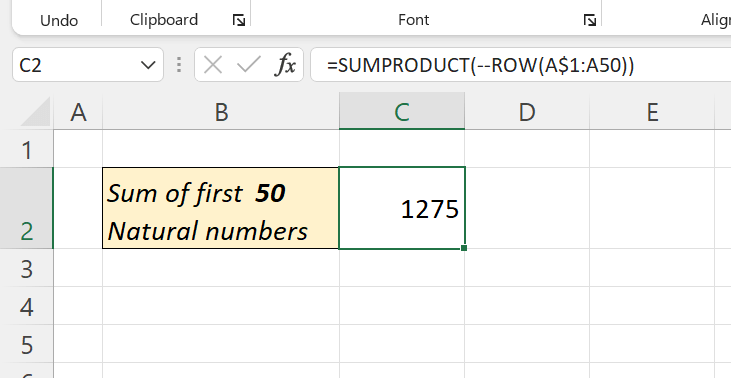
=SUMPRODUCT(ROW(1:50))ROW(1:50) gives the row numbers 1 to 50, and SUMPRODUCT adds them without Ctrl + Shift + Enter. Inserting rows above it doesn't change the reference's numbers, but deleting rows 1–50 would break it.
4. Power Query
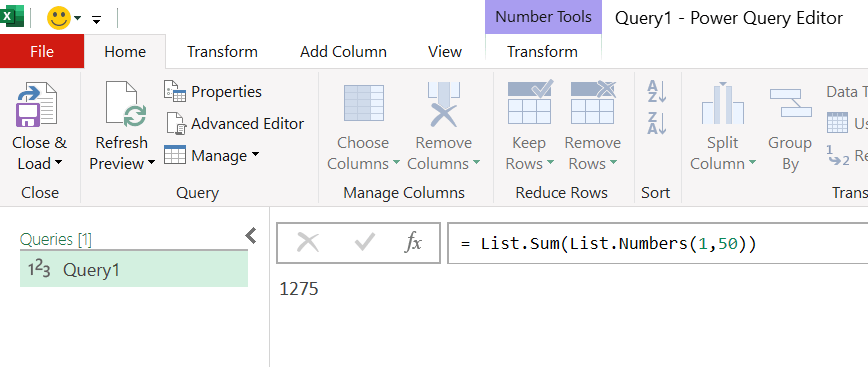
In a blank query (Data → Get Data → From Other Sources → Blank Query), type in the formula bar:
= List.Sum({1..50}){1..50} is a list of the numbers 1 to 50; List.Numbers(1,50) builds the same list.
5. VBA
Sub SumFirst50()
    Dim i As Long, total As Long
    For i = 1 To 50
        total = total + i
    Next i
    MsgBox total
End Sub