How to Add the Developer Tab in Excel

Add the Developer Tab

The Developer tab holds macros, the VBA editor, form controls and add-ins, but it’s hidden when Excel is installed. Turn it on once and it stays. WindowsFile → Options → Customize Ribbon MacExcel → Preferences → Ribbon & Toolbar Time30 seconds Windows Right-click any ribbon tab and choose Customize the Ribbon (or File → Options … Read more

Picture Lookup in Excel

Picture Lookup in Excel

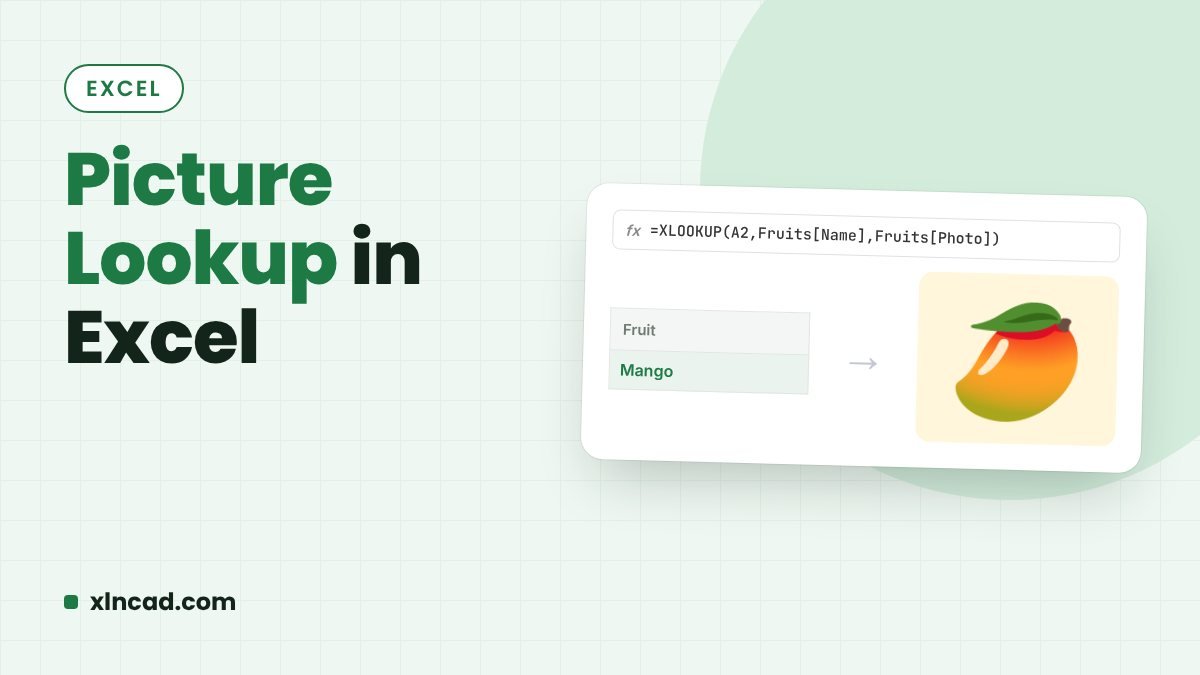
Pick a name from a drop-down and see its photo. In current Microsoft 365, put pictures in cells and XLOOKUP returns the picture directly. In older versions, use a linked picture driven by a named INDEX/MATCH formula. Microsoft 365Place in Cell + XLOOKUP Any versionLinked picture + named formula ExampleSuperhero drop-down Step 1: The drop-down … Read more

Hyperlink to Another Worksheet in Excel (3 Ways)

Hyperlink to Another Sheet

A hyperlink lets you jump from a summary sheet straight to the detail behind a number. Use the HYPERLINK function, Insert Link (Ctrl + K), or the little-known right-drag trick. ShortcutCtrl + K FunctionHYPERLINK Works inAll Excel versions The example A highway project’s cost summary pulls each total from its own sheet: Roads, Street Lighting, … Read more

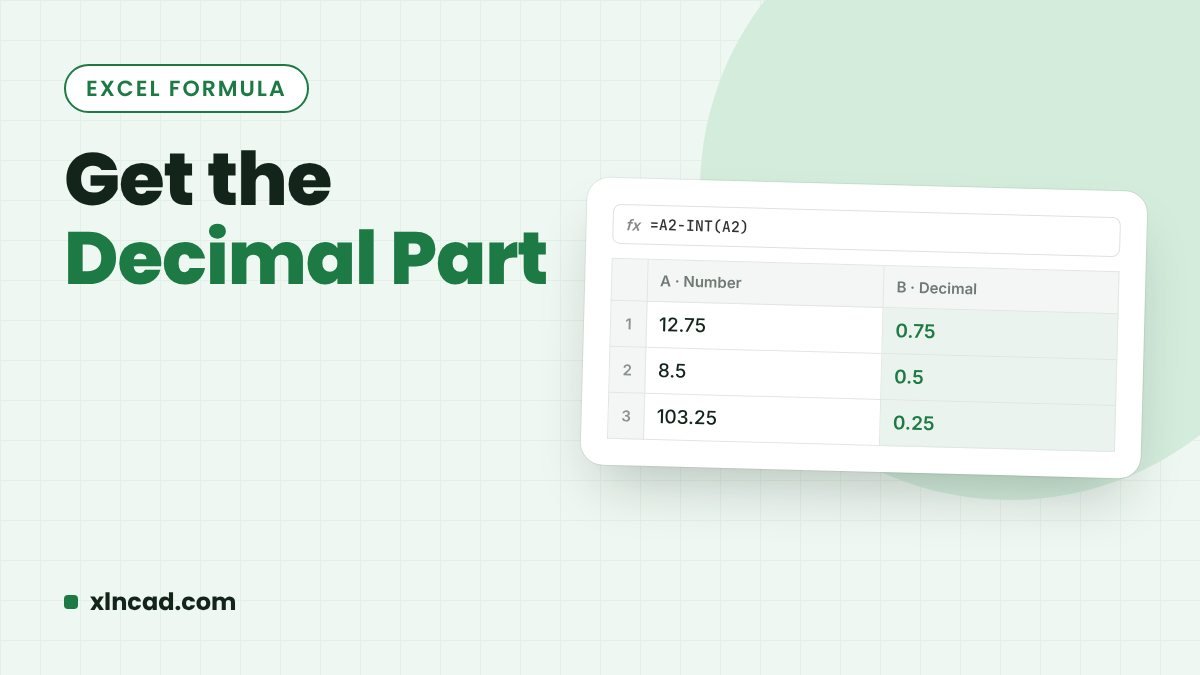
Get the Decimal Part of a Number in Excel

Get the Decimal Part

To get 0.159 from 4.159, subtract the whole-number part: =B3-TRUNC(B3). MOD and Power Query work too, but they handle negative numbers differently, so pick the method that gives the answer you need. Formula=B3-TRUNC(B3) Always positive=MOD(ABS(B3),1) Whole part=TRUNC(B3) Watch the short video: Excel formula to remove digits after decimal point Formulas compared Formula 4.159 −4.159 =B3-TRUNC(B3) … Read more

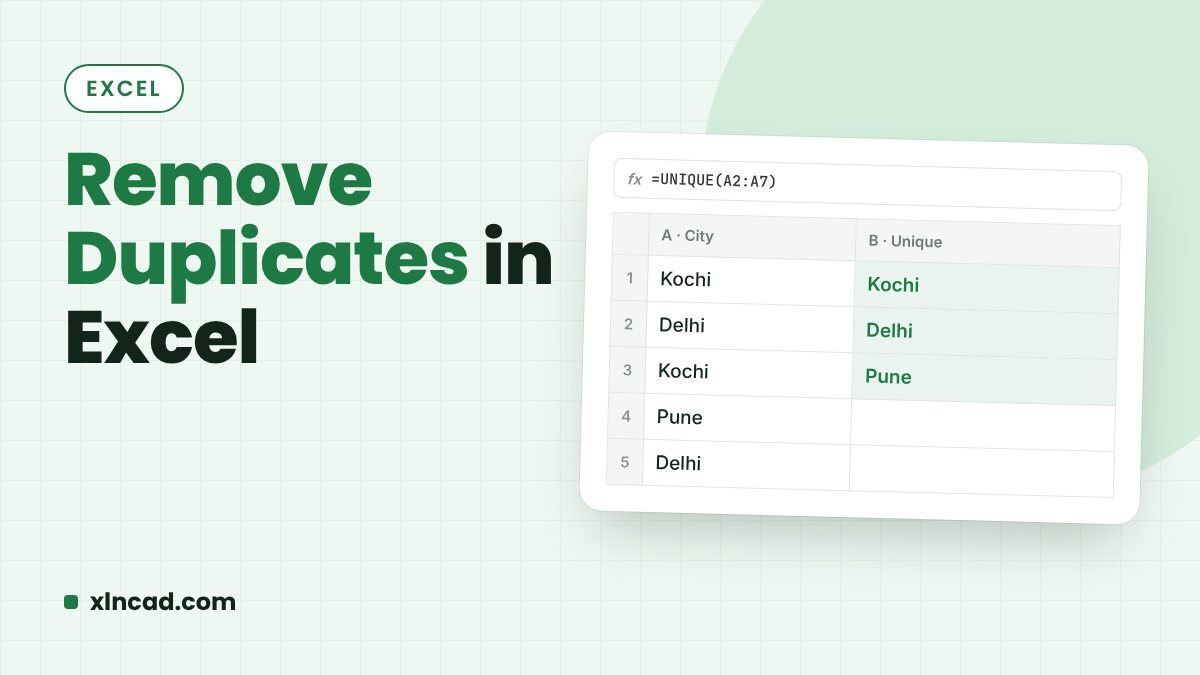
Remove Duplicates in Excel (7 Ways)

Remove Duplicates in Excel

Excel's Remove Duplicates button deletes repeated rows in one click. When you need to keep the original, or the data keeps growing, use UNIQUE, Advanced Filter, Power Query, a PivotTable or a macro instead. One clickData → Remove Duplicates Keeps the originalUNIQUE, Advanced Filter, Power Query RefreshablePower Query Watch the short video: Remove duplicates using … Read more

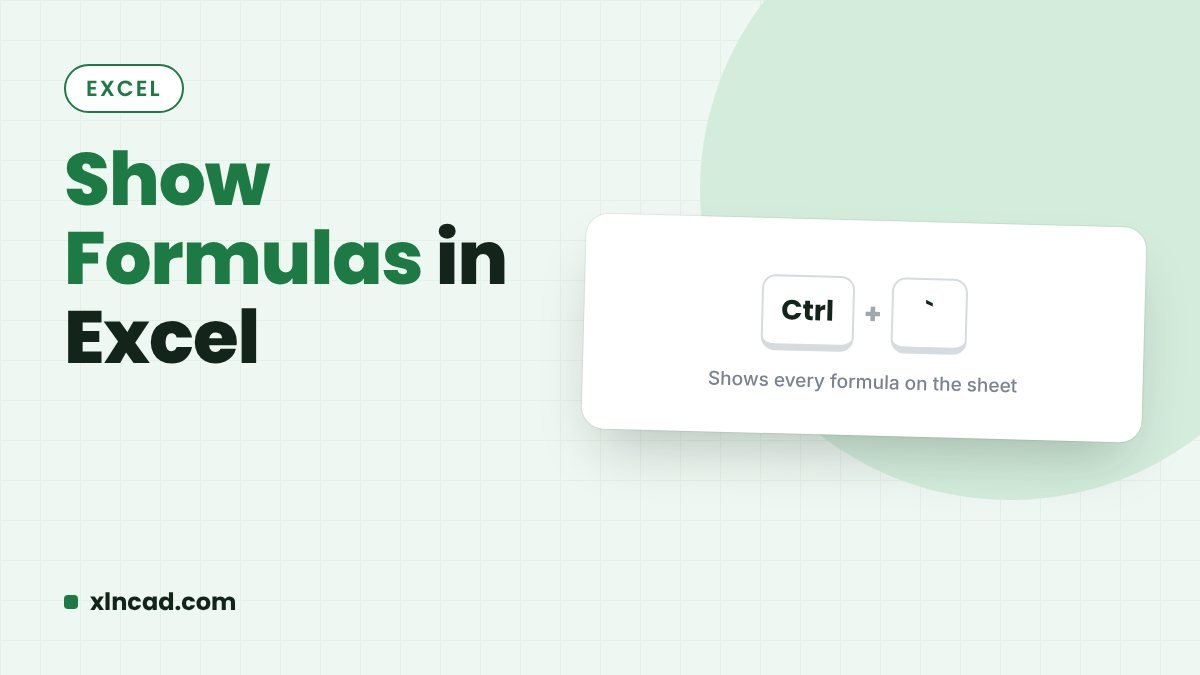
Show Formulas in Excel (4 Ways)

Show Formulas in Excel

To see the formulas instead of their results, press Ctrl + {`} or click Formulas → Show Formulas. To show a single formula next to its result, use FORMULATEXT. ShortcutCtrl + ` (the key left of 1) One cellFORMULATEXT Applies toThe active sheet only Watch the short video: Extract formula used in a cell or … Read more

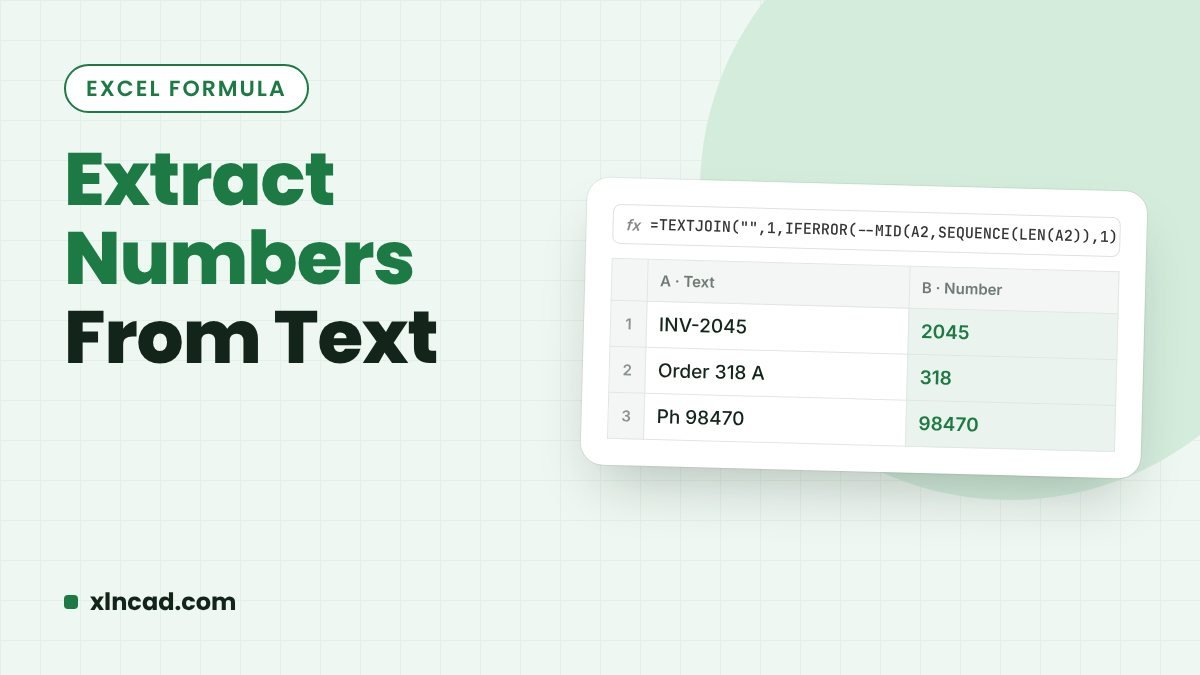
Extract Numbers in Excel: From a Column or From Text

Extract Numbers From Text

Two different jobs share this name: pulling the number cells out of a mixed column, and pulling the digits out of text like INV-2041A. Here are formulas and tools for both. Number cellsFILTER + ISNUMBER, Go To Special, Power Query Digits in textTEXTJOIN + MID, REGEXEXTRACT Works inAll versions (dynamic formulas: 365) Watch the short … Read more

AutoFit Rows and Columns in Excel (4 Ways)

AutoFit Rows and Columns

AutoFit resizes columns and rows to fit their contents, so text stops spilling over and #### turns back into numbers. The fastest way: select the sheet with Ctrl + A and double-click any column border. Column shortcutAlt, H, O, I Row shortcutAlt, H, O, A Works inAll Excel versions Watch the short video: Autofit Columns … Read more