How to Insert a Checkbox in Word

Insert a checkbox in Microsoft Word: a clickable checkbox content control from the Developer tab for forms, or a printable box symbol for checklists on paper.
Insert a checkbox in Microsoft Word: a clickable checkbox content control from the Developer tab for forms, or a printable box symbol for checklists on paper.

Use Track Changes in Microsoft Word to review a document: turn it on, add comments, choose what markup to show, and accept or reject changes one by one or all at once.

Add a text watermark such as CONFIDENTIAL or DRAFT, or a logo watermark, to a Microsoft Word document, put it on one page only, and remove a watermark.

Delete a blank page in Microsoft Word: show formatting marks, remove extra paragraphs, page and section breaks, and fix the stubborn blank page after a table at the end.

Make just one page landscape in a portrait Microsoft Word document, for a wide table or chart, using Page Setup with Apply to Selected text or section breaks.

Start page numbers on page 2 or page 3 in Microsoft Word: hide the number on the cover with Different First Page, or use a section break and restart numbering at 1.

Create an automatic table of contents in Microsoft Word with heading styles, update the page numbers, change how many levels show, and fix common TOC problems.

Create personalised letters, certificates or labels with mail merge from an Excel list to Word: select recipients, insert merge fields, preview, and fix number and date formats.

Show a document’s file name and folder path in Microsoft Word: add Insert File Path to the Quick Access Toolbar, or use a FileName field in the header or footer.
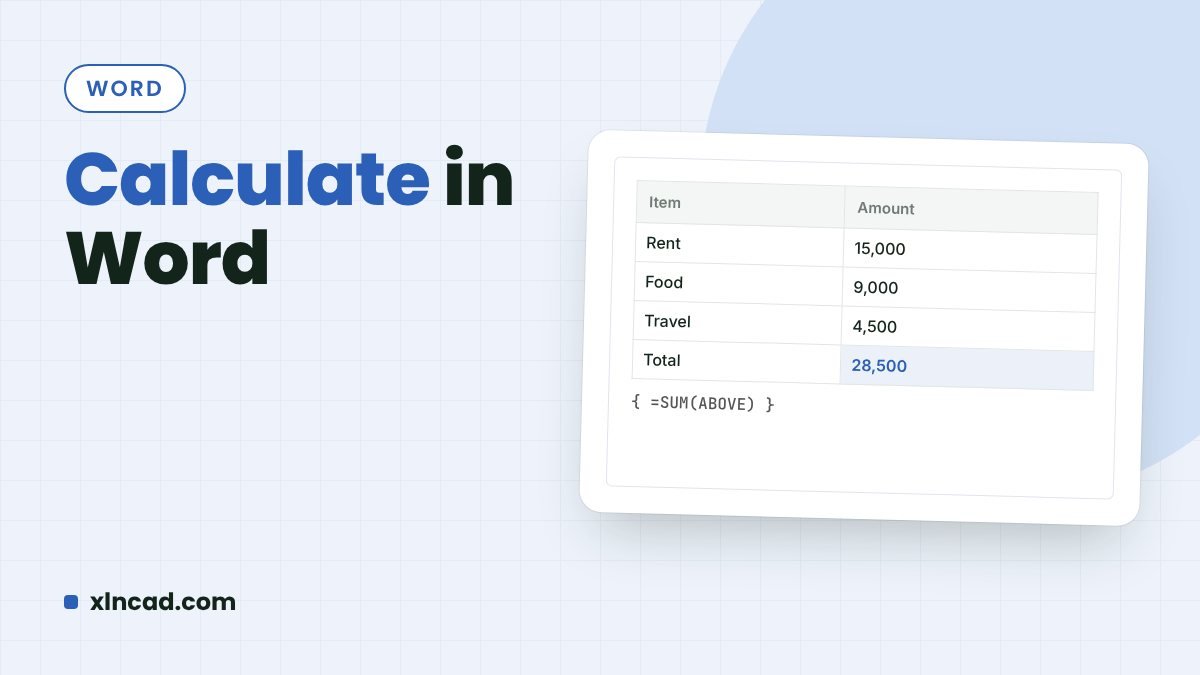
Use Microsoft Word’s hidden Calculate command to work out sums typed in a document, and use table formulas such as =SUM(ABOVE) to total columns in a Word table.