How to Use Text to Speech in Microsoft Word

Make Microsoft Word read your text aloud with the Speak command or Read Aloud. Add Speak to the Quick Access Toolbar, change the voice and speed, and use the shortcut.
Make Microsoft Word read your text aloud with the Speak command or Read Aloud. Add Speak to the Quick Access Toolbar, change the voice and speed, and use the shortcut.
Word can save a document as a PDF that asks for a password before it opens, with no extra software. It's a few clicks in the Export screen, using the Encrypt the document with a password option. WhereFile → Export → Create PDF/XPS → Options Works inWord for Windows (Microsoft 365, 2021, 2019, 2016) CostFree, … Read more
Microsoft Word can open a PDF and turn it into an editable document. No converter or upload needed: File → Open, choose the PDF, and click OK. It works in Word 2013 and later. WhereWord → File → Open → the PDF Works inWord 2013 and later, Microsoft 365 Best forText-based PDFs Steps In Word, … Read more
Paste an Excel table into Word as an editable Word table, as a linked table that updates when the Excel data changes, as a picture, or as an embedded object. Editable tablePaste → Keep Source Formatting Updates from ExcelPaste → Link & Keep Source Formatting Fixed imagePaste → Picture 1. Paste as a Word table … Read more
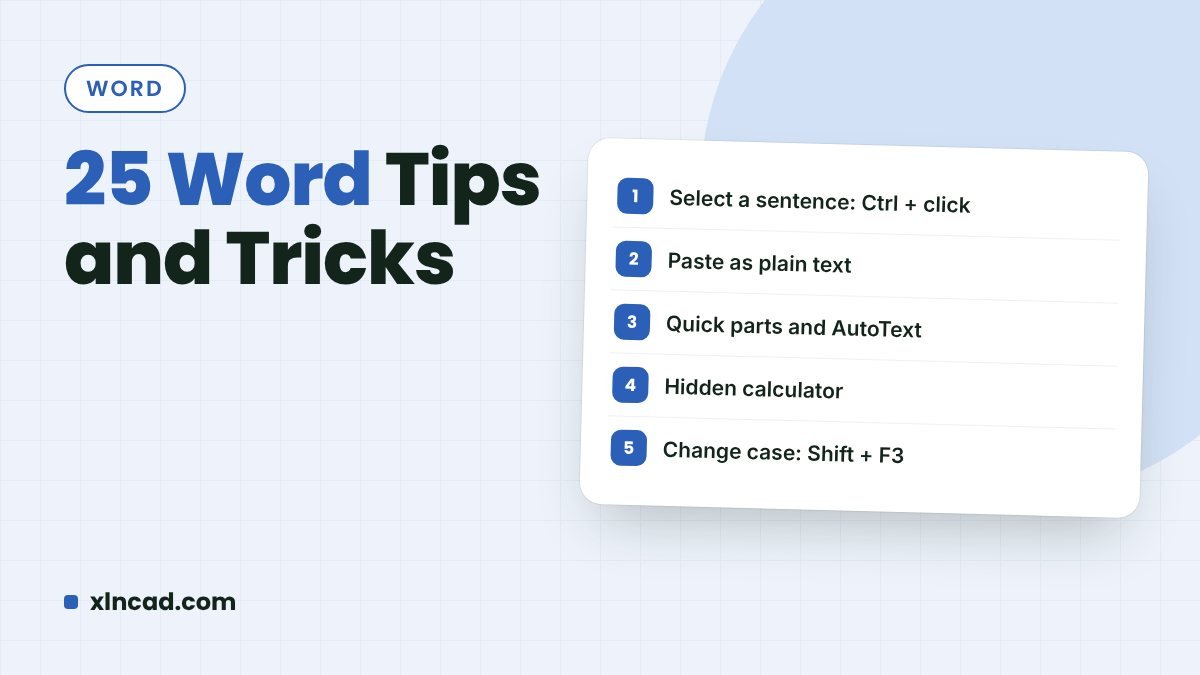
Twenty-five Word features that save time every day: shortcuts for dates and case, quick tables and lines, numbers to words, page-by-page orientation, and more. Each tip has a picture or animation. Tips25 Works inWord 2016 and later, Microsoft 365 VideoIncluded Video 1. Insert Date and Time Alt + Shift + D is the shortcut for … Read more