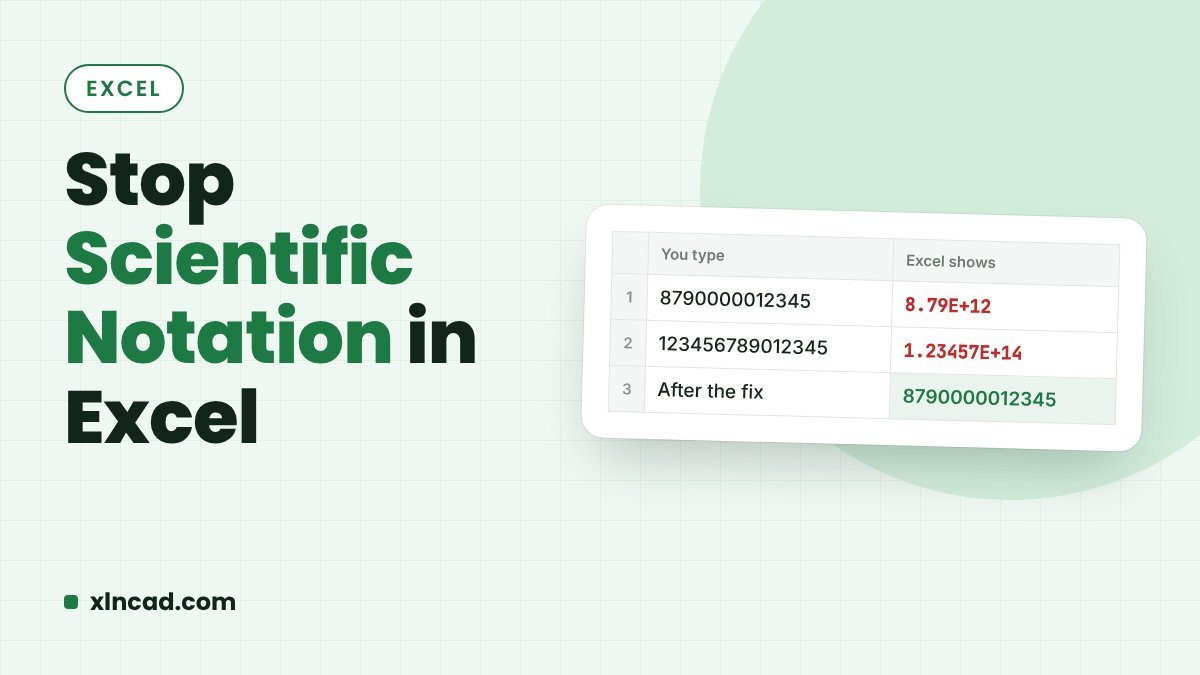
Excel switches to scientific notation, such as 8.79E+12, when a number is longer than 11 digits in the General format. To show the full number, select the cells and apply the Number format with 0 decimal places, or a Custom format of 0. For numbers longer than 15 digits, such as card or reference numbers, format the cells as Text before typing, because Excel stores only 15 significant digits.
How do I show the full number instead of E+?
- Select the cells that show scientific notation.
- Press Ctrl + 1 to open Format Cells.
- On the Number tab, choose Number and set Decimal places to 0. For a cleaner result without thousands separators, choose Custom and type
0in the Type box. - Click OK. If the cell now shows
#####, widen the column or double-click its right border.
This only changes how the number is displayed. The stored value does not change.
Which fix should I use?
| Situation | Fix |
|---|---|
| Number up to 15 digits already typed | Number format with 0 decimals, or Custom format 0 |
| Card, Aadhaar or reference numbers over 15 digits | Format the empty cells as Text first, then type |
| A few quick entries | Type an apostrophe before the number: '8790000012345 |
| Opening a CSV file | Import with Data > From Text/CSV and set the column type to Text |
| Need the digits as text in a formula | =TEXT(A2,"0") |
Why does the last digit change to 0?
Excel keeps only 15 significant digits. A 16-digit number typed into a normal cell loses its last digit to a zero, and the original digit cannot be recovered afterwards. That is why long identifiers must go into cells formatted as Text before you type or paste them: as text, every digit is kept, and codes with leading zeros keep their zeros too.
How do I stop it in CSV files?
Opening a CSV by double-clicking lets Excel guess every column, and long numbers become scientific notation. Instead, open a blank workbook and use Data > From Text/CSV. In the preview, click Transform Data, set the column type to Text in Power Query, then Close & Load. The numbers arrive exactly as they are in the file.
Frequently asked questions
Does scientific notation change my actual number?
Up to 15 digits, no: it is only a display format, and the fix is a format change. Beyond 15 digits, yes: the extra digits are permanently replaced with zeros the moment the number is entered.
Why does Excel show ##### after I change the format?
The column is too narrow for the full number. Double-click the right edge of the column header to AutoFit it.
How do I display a 16-digit card number?
Format the cells as Text before typing. If the numbers are already damaged, the last digits are gone, so re-enter or re-import them as text.
Can I turn scientific notation off for the whole sheet?
There is no global switch. Select the whole sheet with Ctrl + A and apply the Number or Text format, or fix the columns during import.