The Excel ROW function returns the row number of a cell. On its own it’s simple, but it’s a useful building block for serial numbers and position-based formulas.
reference optional |
The cell or range. Leave it out for the row of the formula’s own cell. |
|---|
Table of Contents
Basic example
With no argument, ROW returns its own row. With a reference, it returns that cell’s row:
=ROW(C10)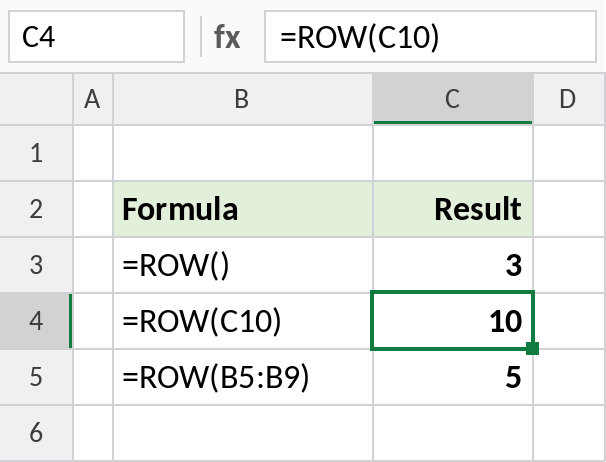
=ROW() in C3 returns 3, and =ROW(C10) returns 10. For a range, ROW returns the first row, 5. In Excel 365 it spills all the row numbers.
Serial numbers that follow the row
The list starts in row 3, so subtract 2 to start counting at 1:
=ROW()-2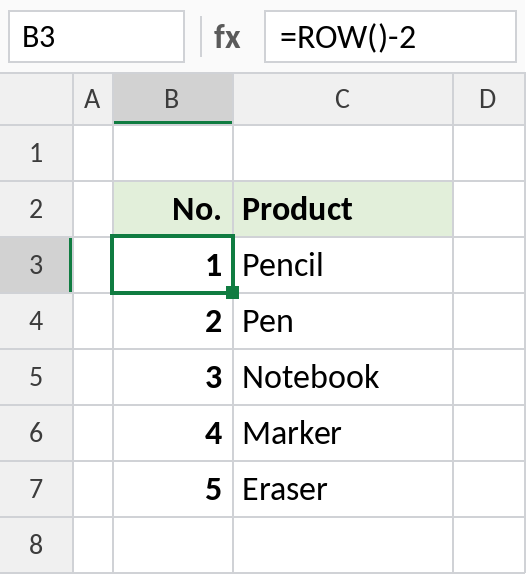
The numbers run 1 to 5. Delete a row and the numbers below close the gap automatically, unlike typed numbers.
Position within a list
When a list starts lower down, subtract the row of the first item instead of a fixed number. The formula keeps working if rows are inserted above the list:
=ROW(B5)-ROW($B$5)+1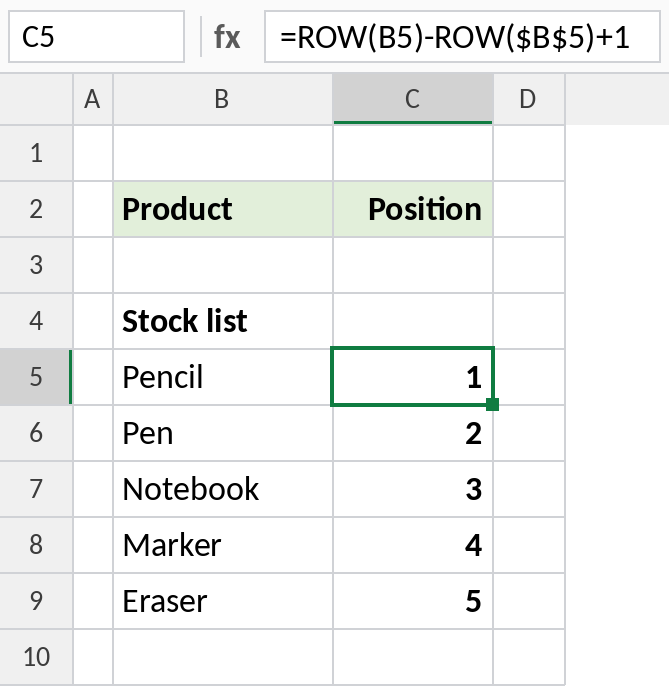
Pencil is in row 5, the same as the first item, so its position is 1.
ROW and its relatives
| Function | Returns |
|---|---|
| ROW | The row number of a cell |
| ROWS | How many rows a range has |
| COLUMN | The column number of a cell |
| SEQUENCE | A list of numbers, for Excel 365 |
Notes
- ROW returns a number, not a letter or address.
- With a multi-row range, ROW returns the first row in older Excel and spills every row number in Excel 365.
- In Excel 365,
=SEQUENCE(COUNTA(C3:C100))is another way to create serial numbers. - ROW is often used inside MOD for patterns, such as
=MOD(ROW(),2)=0to shade every other row.
Common errors
| Problem | Cause | Fix |
|---|---|---|
| Numbers start at the wrong value | Wrong offset | Subtract the row number above the first item |
#REF! |
Referenced cell deleted | Update the reference |
Practice file
All three examples in one workbook.