The Excel INDIRECT function turns text into a cell reference. If a cell contains the text “D5”, INDIRECT of that cell returns whatever is in D5.
ref_text |
A reference written as text, such as "D5" or "C3:C8". |
|---|---|
a1 optional |
TRUE or omitted for A1-style text. FALSE for R1C1 style. |
Table of Contents
Basic example
H3 holds the text D5. INDIRECT reads it as a cell address and returns the value from D5:
=INDIRECT(H3)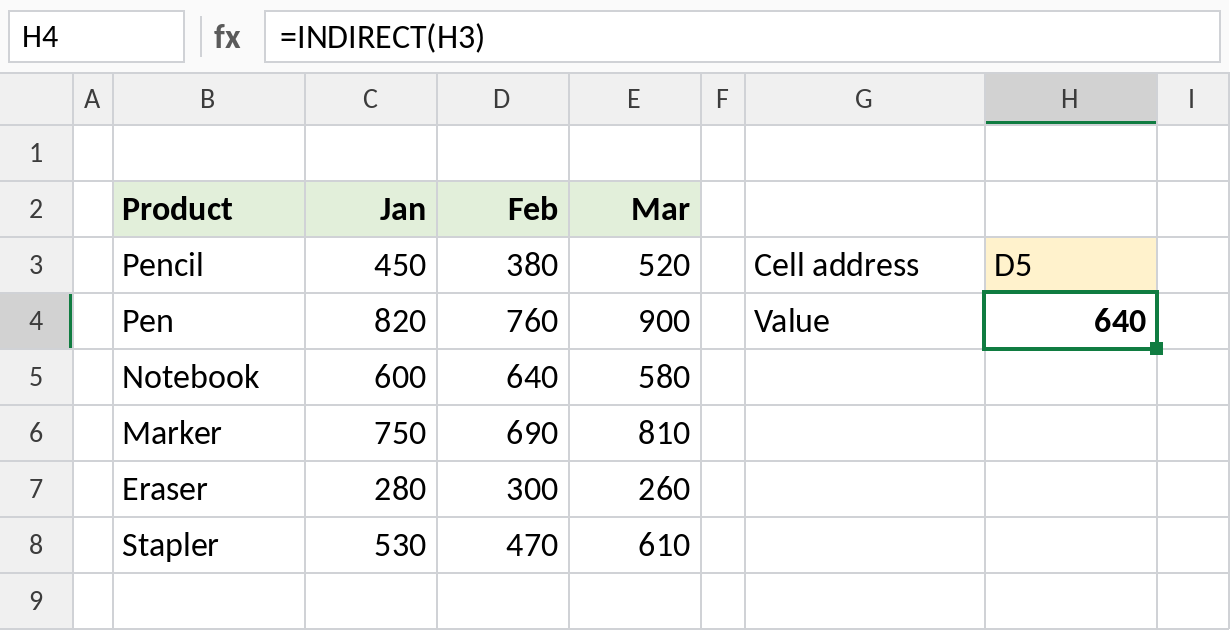
D5 is Notebook’s February sale, so the result is 640. Type a different address in H3 and the result follows it.
Build a range from a column letter
Join text pieces to build an address. With E in H3, the text becomes E3:E8:
=SUM(INDIRECT(H3&"3:"&H3&"8"))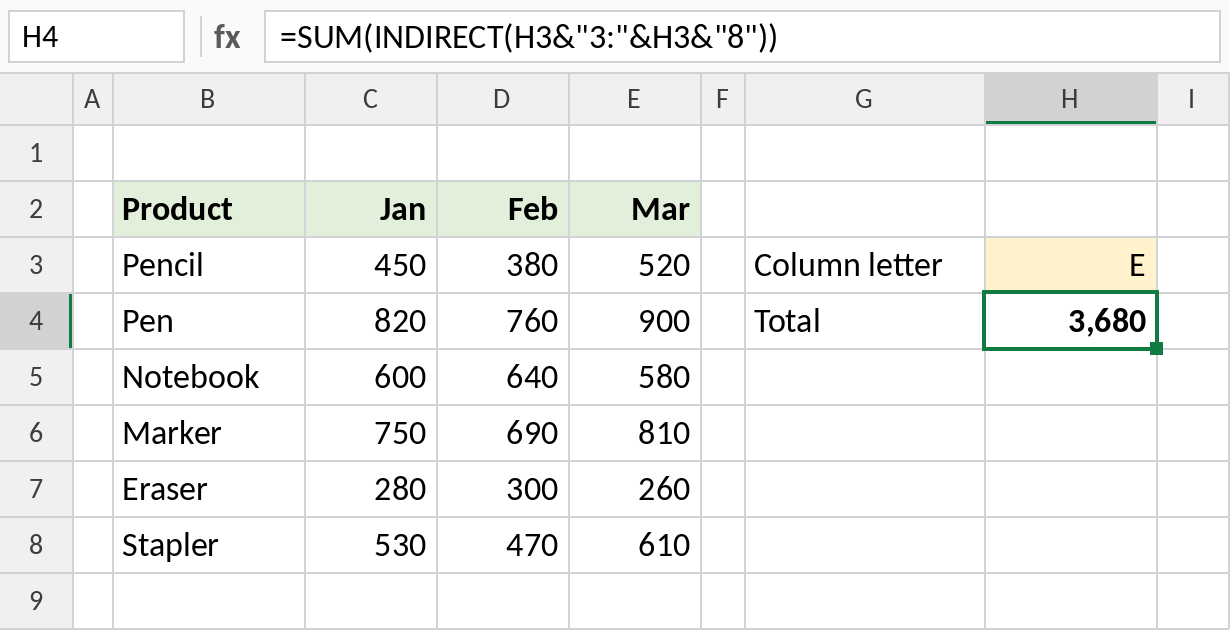
SUM totals E3:E8, the March column: 3,680. Change H3 to C for January.
Pick a row by number
Join a column letter to a row number to point at any cell in that column:
=INDIRECT("B"&H3)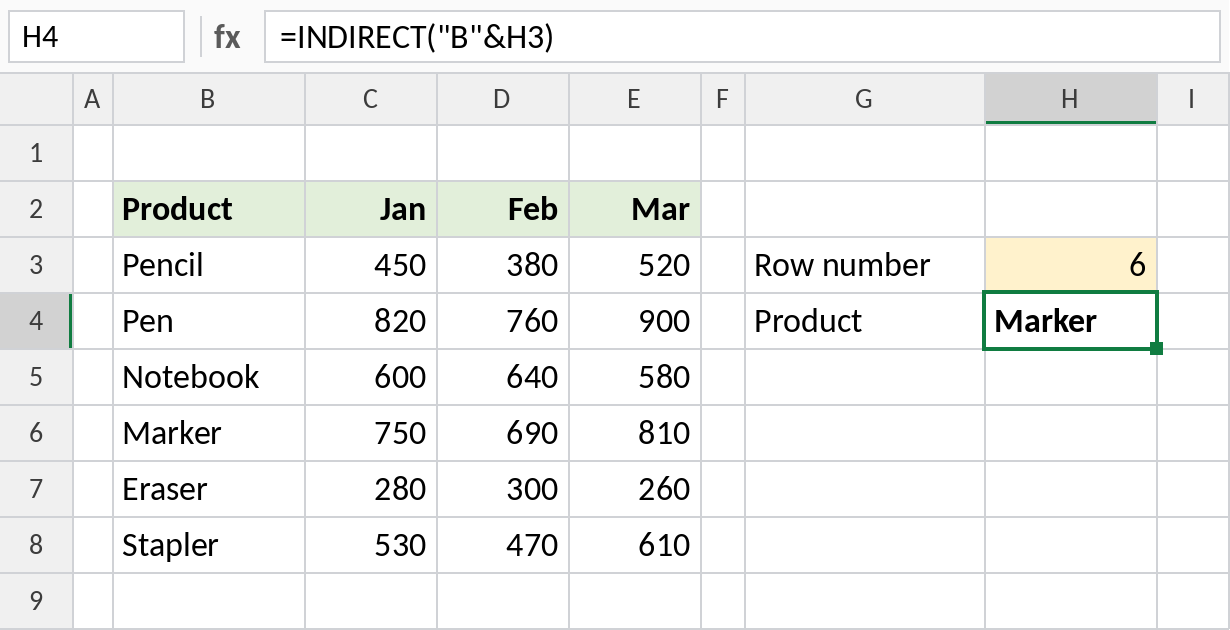
“B”&6 becomes B6, which holds Marker. INDEX does the same without the downsides below: =INDEX(B:B,H3).
INDIRECT patterns
| Formula | Refers to |
|---|---|
=INDIRECT("C3") |
Always C3, even if rows are inserted above |
=INDIRECT("'"&G1&"'!B3") |
B3 on the sheet named in G1 |
=INDIRECT(G1) |
A named range whose name is typed in G1 |
=INDIRECT("R3C3",FALSE) |
Row 3, column 3 (R1C1 style), which is C3 |
Notes
- INDIRECT is volatile: it recalculates whenever anything changes, which can slow down big workbooks.
- References built with INDIRECT don’t adjust when you insert rows or rename sheets, because they’re just text.
- INDIRECT can’t refer to a workbook that’s closed.
- For most tasks, INDEX, XLOOKUP or CHOOSE do the same job without these downsides.
Common errors
| Problem | Cause | Fix |
|---|---|---|
#REF! |
The text isn’t a valid address, or the sheet name is wrong | Check the text; put sheet names with spaces in single quotes |
#REF! on another file |
The other workbook is closed | Open it, or avoid INDIRECT for external links |
| Workbook slow | Many INDIRECT formulas recalculating | Replace them with INDEX where possible |
Practice file
All three examples plus INDIRECT patterns in a cheat sheet.