Calculate Percentage in Excel: All the Formulas

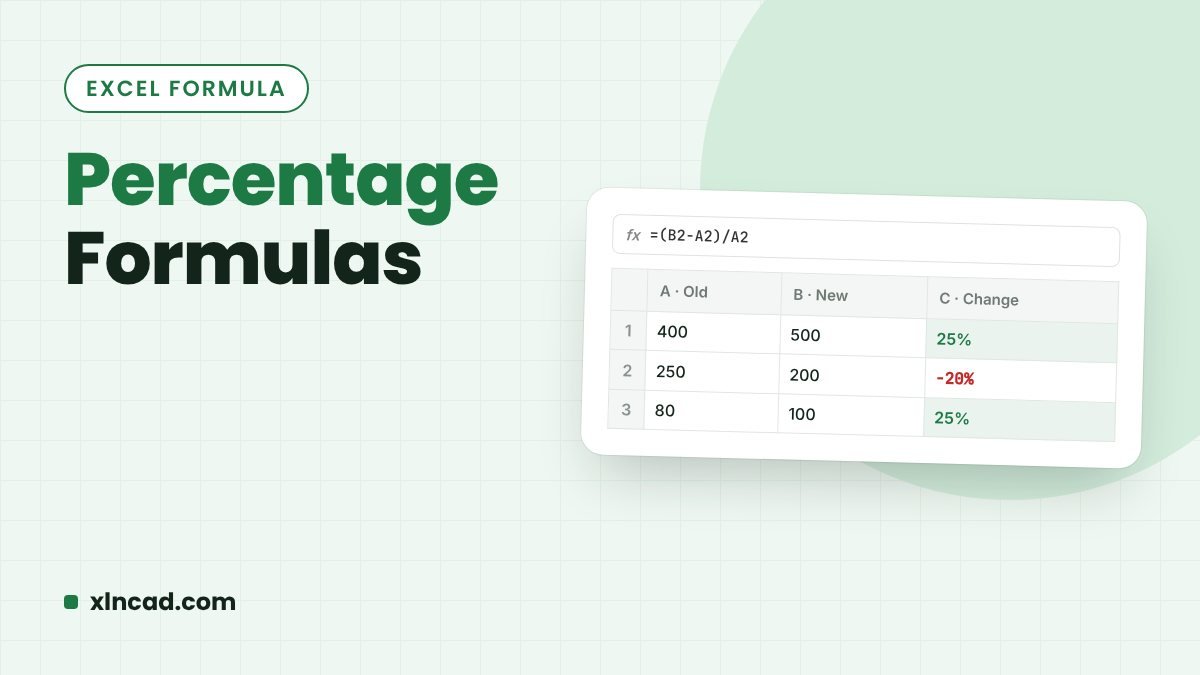
Percentage Formulas

In Excel you divide and then apply the Percent Style (Ctrl + Shift + 5), with no need to multiply by 100. Here are the formulas for percentage of a total, percentage change, adding or removing a percentage, and working backwards. Percentage=Part/Total, then % Change=(New−Old)/Old Add 6%=A2*(1+6%) Quick reference To find Formula Example Percentage of … Read more

Connect Google Sheets to Excel

Connect Google Sheets to Excel

You can pull a Google Sheet into Excel with Power Query and refresh it whenever the sheet changes: no download, no copy-paste. The trick is one small change to the sheet’s share link. Works inExcel 2016 and later, Microsoft 365 (Windows); Excel for Mac with Power Query NeedsA Google Sheet shared as “Anyone with the … Read more

Count Birthdays in a Month in Excel

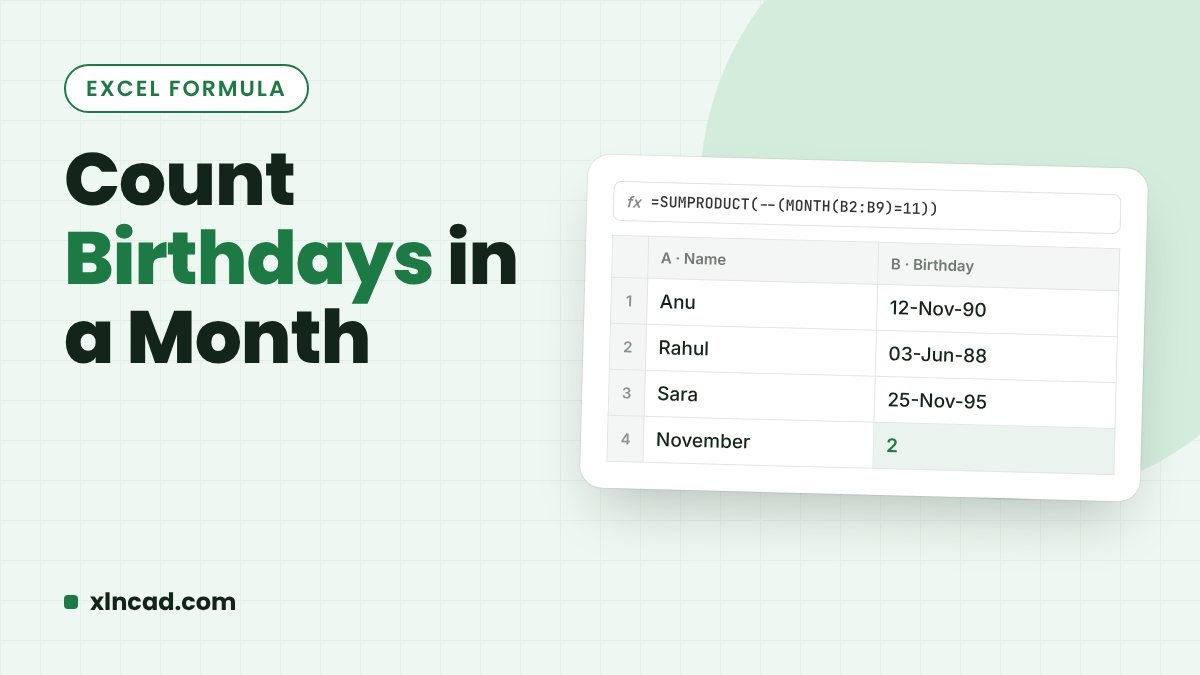
Count Birthdays in a Month

To count how many dates of birth fall in July, compare the month of each date with 7: =SUMPRODUCT(–(MONTH(C2:C17)=7)). The same idea counts birthdays this month, or lists who they are. FormulaSUMPRODUCT + MONTH Excel 365FILTER to list the names Works inAll versions Watch the short video: Count Birthdays per Month in Excel Count birthdays … Read more

Count Dates in a Year (or Month) in Excel

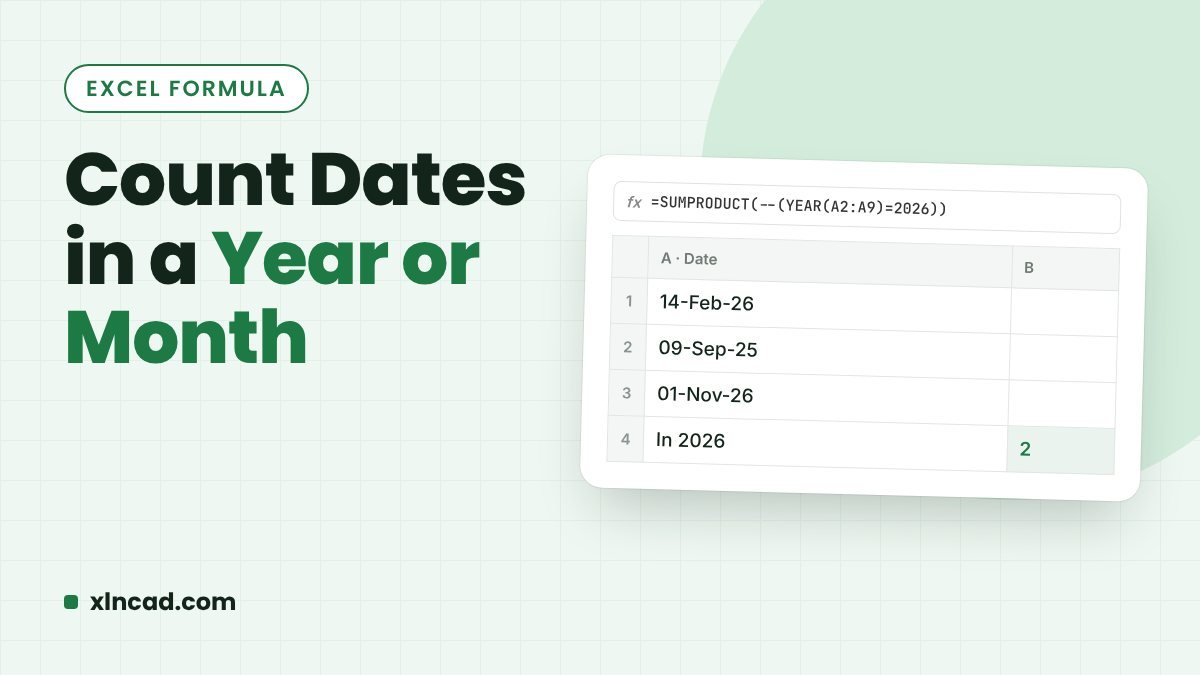
Count Dates in a Year or Month

To count how many dates fall in 2020, use COUNTIFS with a date range: =COUNTIFS(B3:B15,">="&DATE(2020,1,1),B3:B15,"<"&DATE(2021,1,1)). SUMPRODUCT with YEAR does the same in a shorter formula. FastCOUNTIFS with a date range ShortSUMPRODUCT + YEAR Every year at onceUNIQUE + COUNTIFS, or a PivotTable Watch the short video: Excel formula to Count Dates that fall in the … Read more

Count Cells That Contain Errors in Excel

Count Cells With Errors

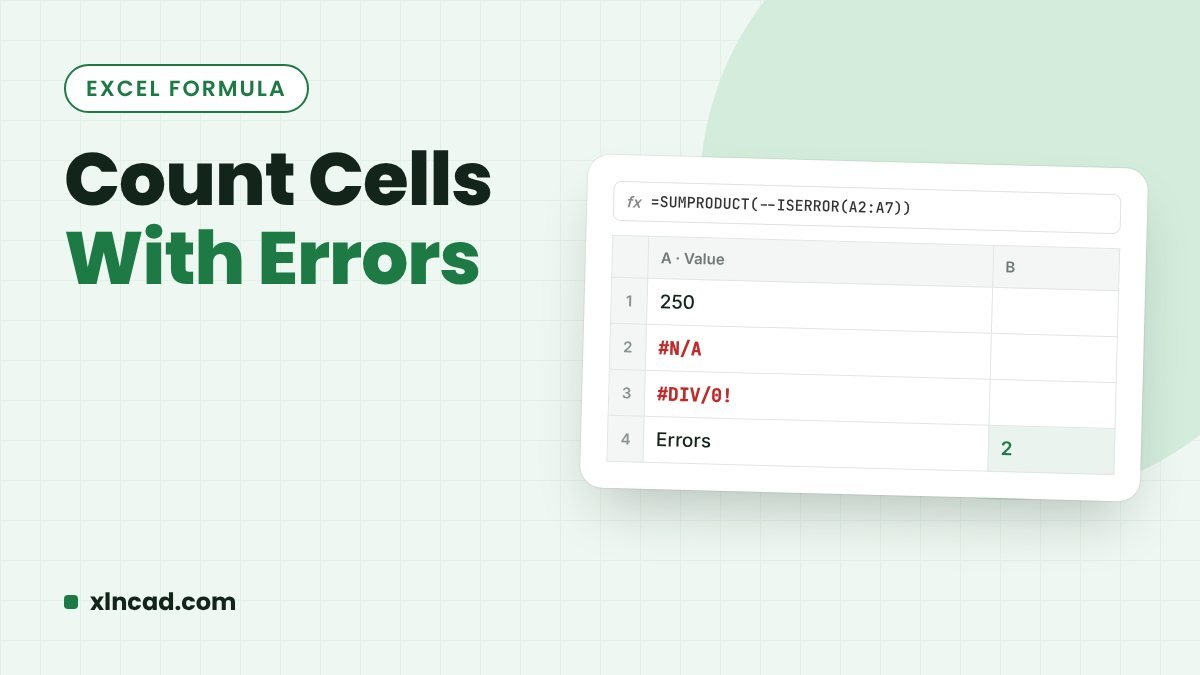
To count how many cells in a range show an error, use =SUMPRODUCT(–ISERROR(E3:E12)). You can also count one error type, such as #N/A, or count only the cells that are not errors. All errorsSUMPRODUCT + ISERROR One error typeCOUNTIF Works inAll versions Watch the short video: Count of Formula Errors in Excel Count all errors … Read more

25 Microsoft Word Tips and Tricks

25 Word Tips and Tricks

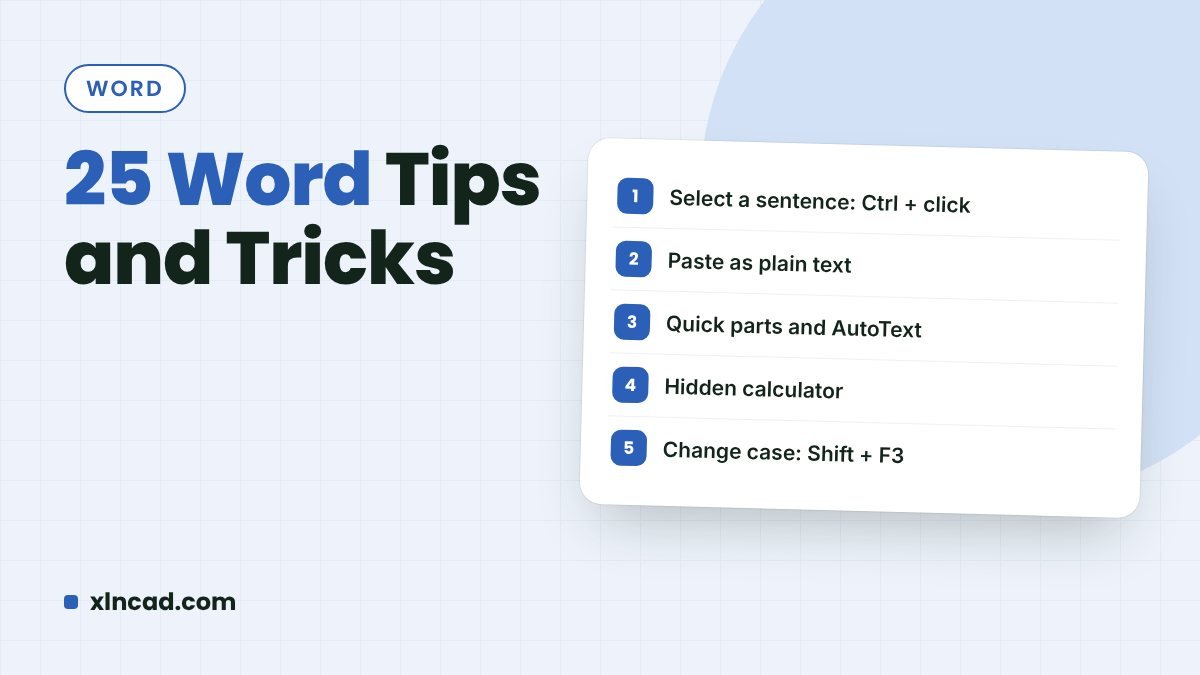
Twenty-five Word features that save time every day: shortcuts for dates and case, quick tables and lines, numbers to words, page-by-page orientation, and more. Each tip has a picture or animation. Tips25 Works inWord 2016 and later, Microsoft 365 VideoIncluded Video 1. Insert Date and Time Alt + Shift + D is the shortcut for … Read more

Get the First Name and Last Name From a Full Name in Excel

First and Last Name

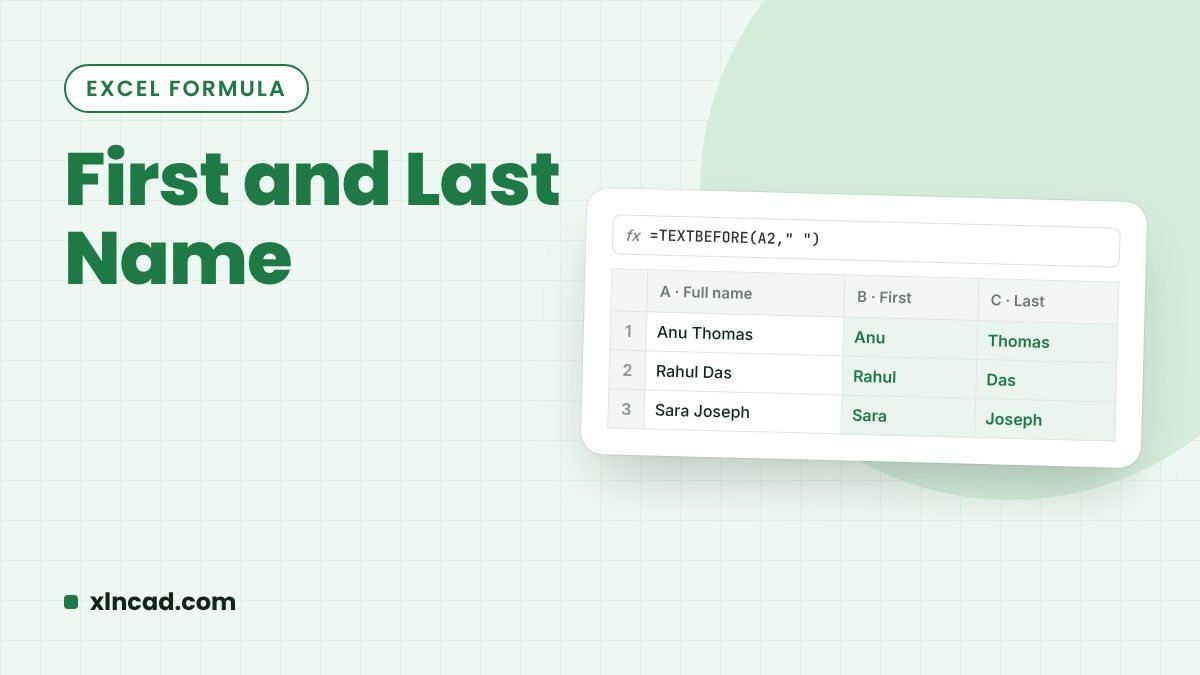
To split Anil Kumar into Anil and Kumar, use TEXTBEFORE and TEXTAFTER in Microsoft 365, or LEFT and FIND in any version. These formulas also handle middle names and people with only one name. First name (365)=TEXTBEFORE(A2," ",,,1) Last name (365)=TEXTAFTER(A2," ",-1,,,"") Any versionLEFT + FIND Watch the short video: Extract Last Name using TEXTAFTER … Read more