Formula to extract ‘nth’ word from a sentence
Following is the formula to extract the nth word from the sentence present in the cell A1. Change the value of n in the following formula to extract the word of your choice. =TRIM(MID(SUBSTITUTE($A1,” “,REPT(” “,LEN($A1))), (n-1)*LEN(A1)+1, LEN(A1))) To extract the 3rd word from the sentence present in the cell A1, the formula should be =TRIM(MID(SUBSTITUTE($A1,” “,REPT(” … Read more
Import data from Google Maps to Excel
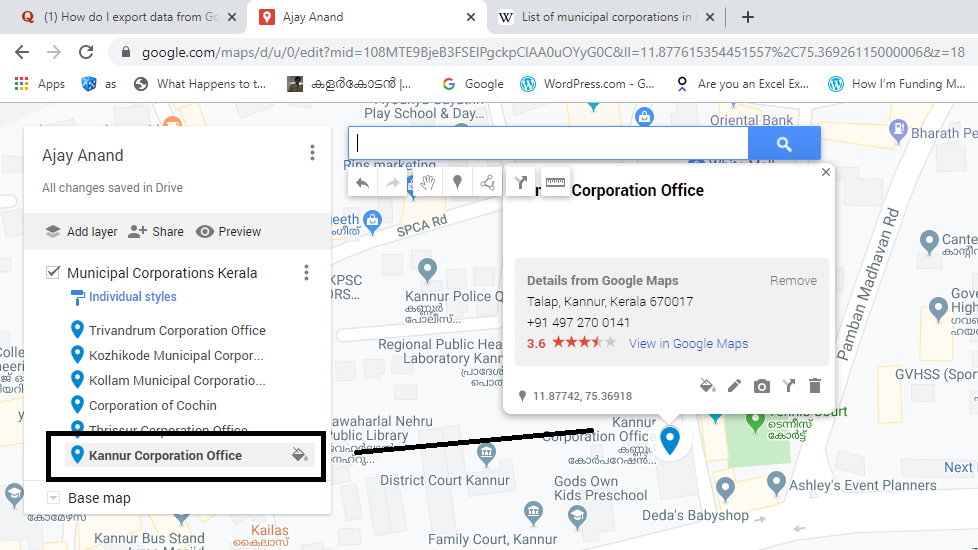
Places marked in Google Maps can be exported as KML files and these files can be viewed or edited in Excel or any other text editor. Let me explain the process of adding 6 Municipal Corporations of Kerala to a personalized Map in Google and exporting that data into Excel Login to google.com.mymaps Click on Create a New … Read more
Matrix Digital Rain in Excel

I hope you will be familiar with this visual effect from the classic SCI-FI movie Matrix. This effect is known in different names like Matrix code rain, Matrix Digital rain, etc. What you see here is an animation created in an Excel Sheet using Conditional formatting, RANDBETWEEN function, and a simple macro. The idea was … Read more
Four different types of Actual vs Target Charts in Excel
In this article, we will see how to create different types of Actual vs Target Charts in Excel Type 1 (Stacked Columns) To create an Actual vs Target chart from the data given below Select the data Go to Insert Tab > Click on the Icon for insert Column or Bar chart Select Stacked Column … Read more
Excel formula to copy AutoCAD objects to multiple points
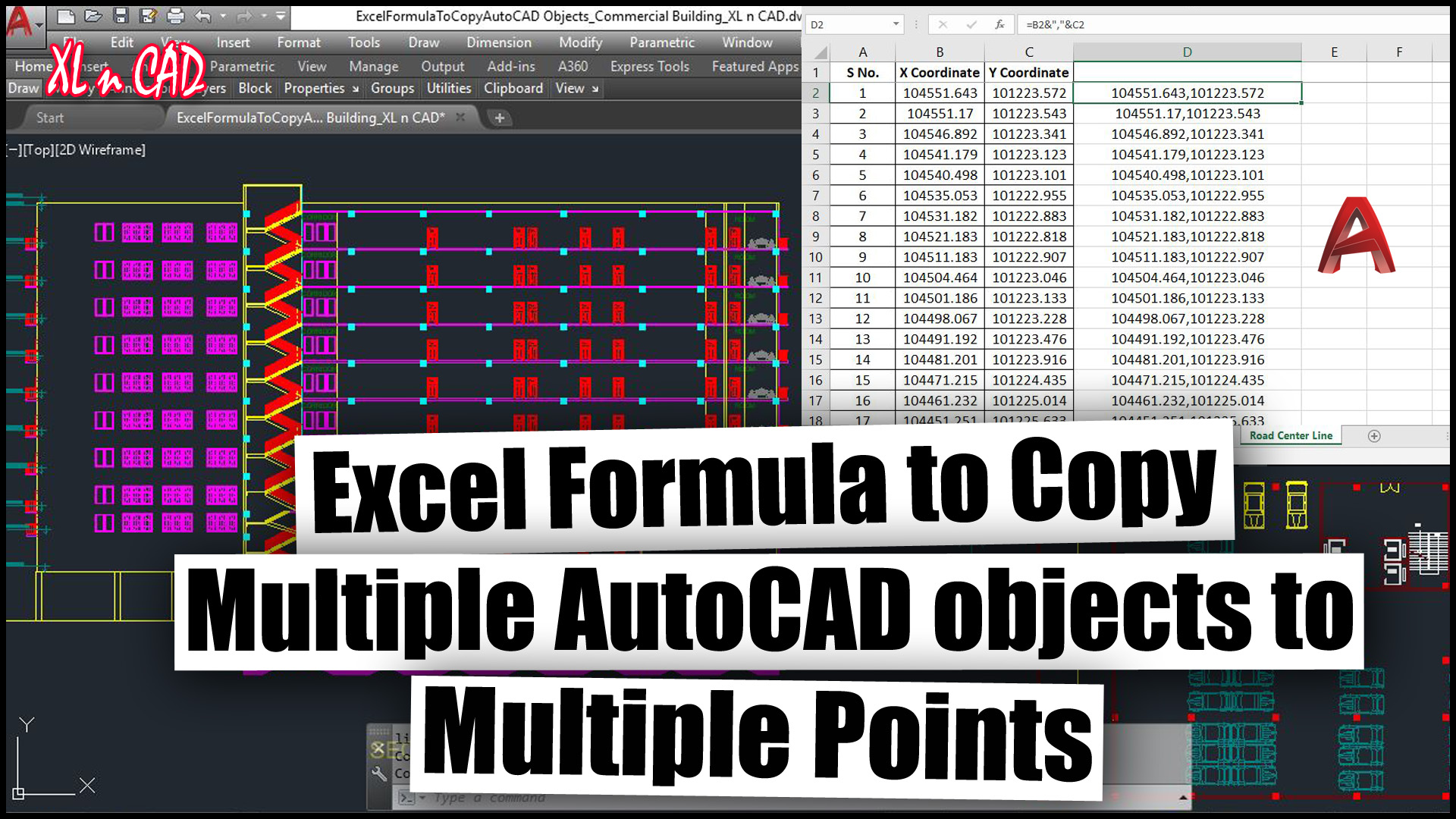
Step by Step method to create an Excel formula which will copy multiple AutoCAD objects to Multiple points