Combine Multiple Worksheets of a Workbook using Power Query in Excel

Combine Data from Multiple Sheets in Excel

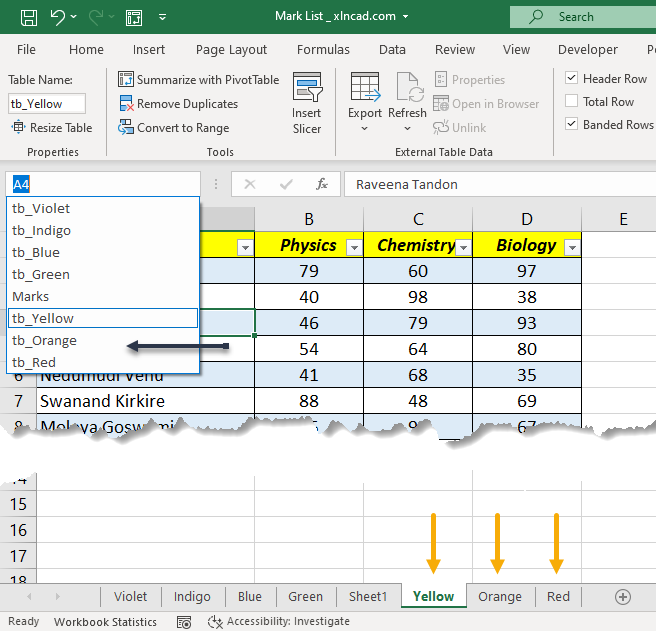
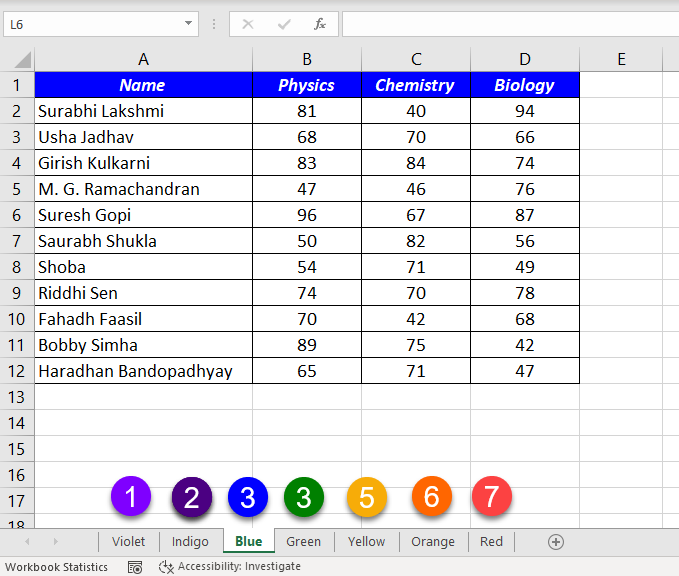
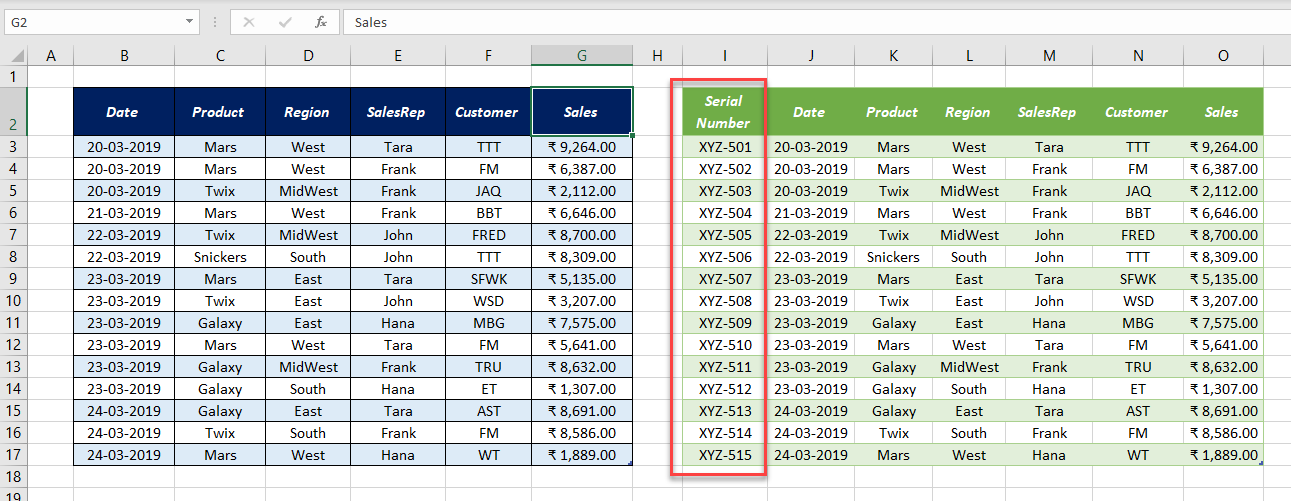
In this blog post, I am explaining the Power Query Method to combine data from multiple worksheets. If you are a person who deals with data in Multiple Worksheets, You should definitely try this one. Following is the screenshot a workbook which contains 7 worksheets called Violet, Indigo, Green, Blue, Orange, Yellow and Red. These … Read more

Passing a Parameter in Power Query

Transformed Data in Power Query

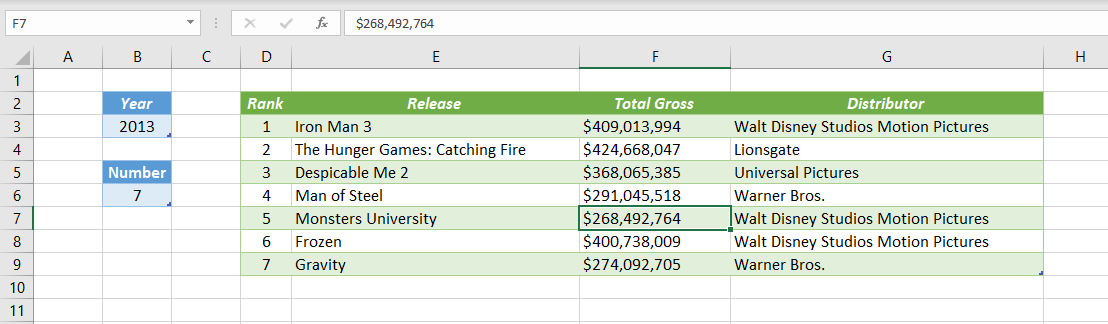
When we transform data using Power Query, every Transformation Step is recorded as an M Code. And most of the time, values got hard coded in these codes. The problem with Hard coding is, when the user decides to change the input data, the Source code (Query in this case) also should be modified accordingly. … Read more

Remove or Extract Special Characters from a data set using Power Query

Remove Special Characters Excel

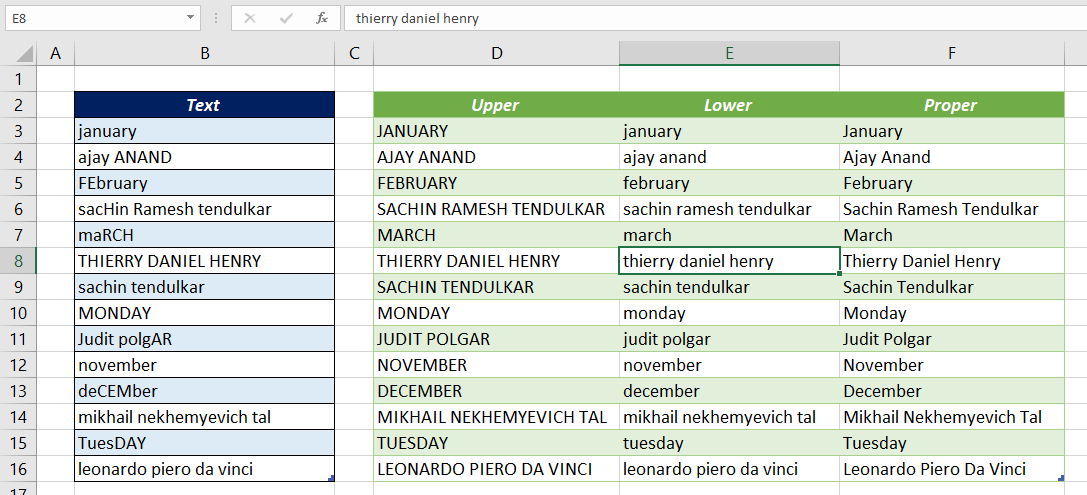
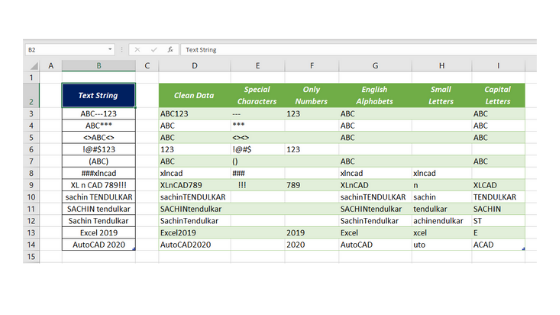
In this article, I will explain an easy method to Extract or Remove Special Characters, Alphabets or Numerals from a data set using Power Query in Excel. Following is the data set from which I want to remove the special characters like ‘!’, ‘@’, ‘#’, ‘$’, ‘%’, ‘&’, ‘*’, ‘(‘ etc. To clean this data, … Read more

Joins in Power Query

Joins in Power Query

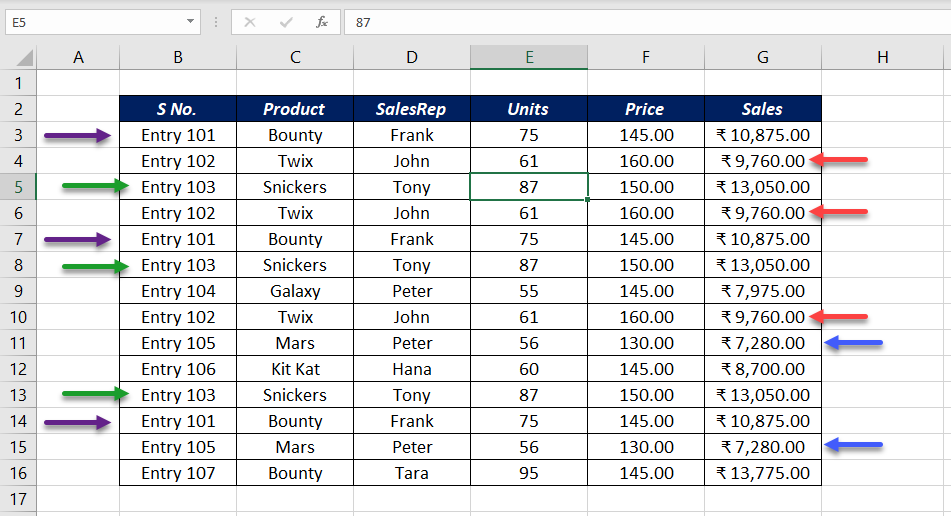
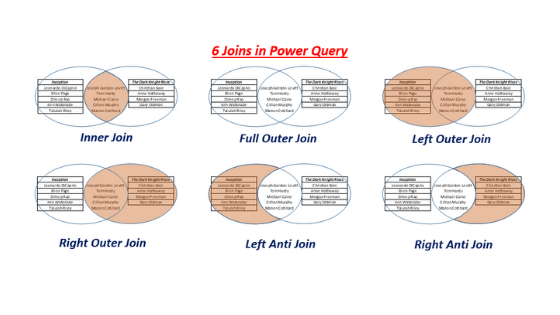
6 Joins in Power Query Joins in Power Query can help us with some of the most laborious and tedious tasks in Data Analysis. i.e. Comparing and Combining data sets. There are 6 Joins in Power Query which help us to Compare and Merge tables containing data. Those Joins are… Left Outer Right Outer Full … Read more