Change Text Case Using Power Query
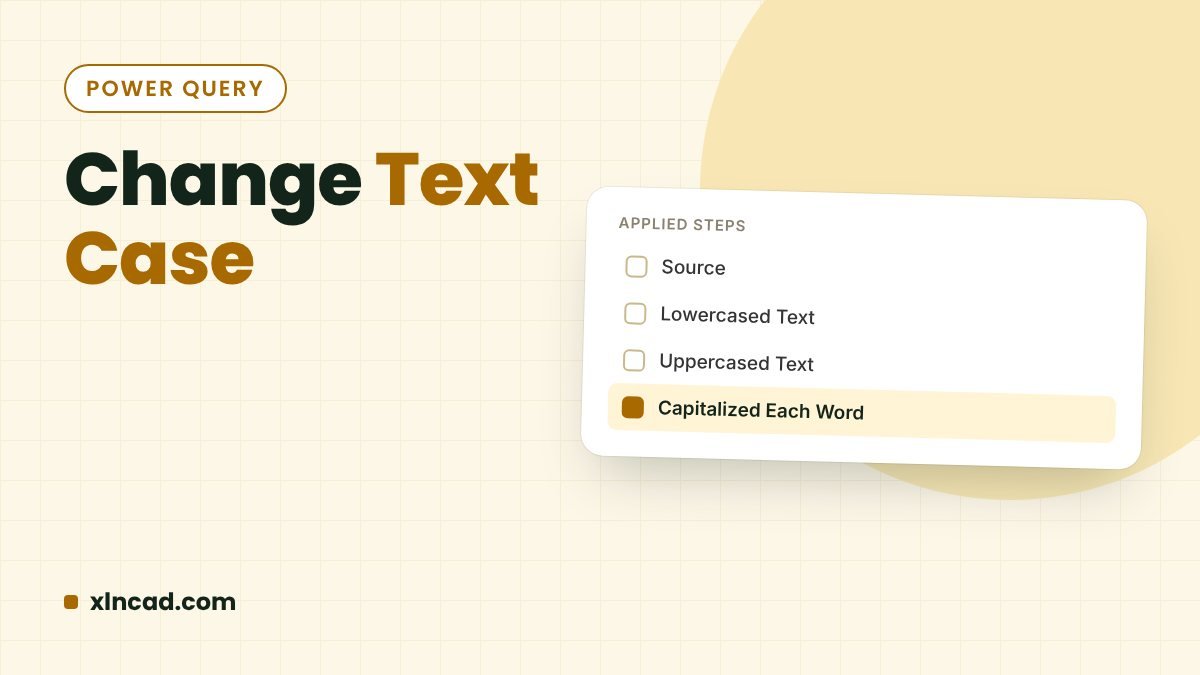
Change Text Case

Power Query converts text to UPPERCASE, lowercase or Capitalize Each Word in two clicks, and the result refreshes when the source changes. Use Transform to change a column in place, or Add Column to keep the original. WhereTransform → Format, or Add Column → Format M functionsText.Upper, Text.Lower, Text.Proper Works inExcel 2016 and later, Power … Read more
Remove or Extract Special Characters Using Power Query

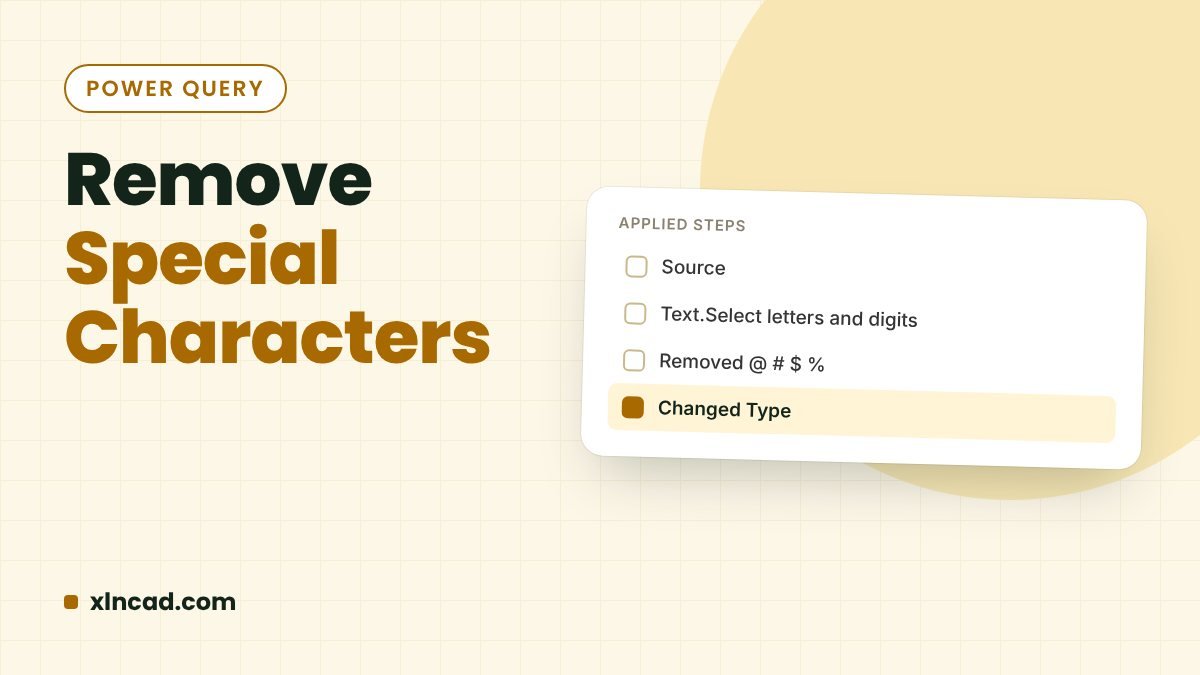
Remove Special Characters

Power Query’s Text.Select keeps only the characters you list, and Text.Remove throws them away. With one custom column you can strip !@#$%&* from messy text, or pull out just the numbers, capitals or letters. FunctionsText.Select, Text.Remove Works inExcel 2016 and later, Microsoft 365 RefreshableYes The data Step 1: Load the data into Power Query Click … Read more

Group and Summarise Data With Power Query (Group By)

Group By in Power Query

Power Query's Group By turns a long list of transactions into a summary: total sales per product, count of orders per region, or several totals at once. Unlike a formula summary, it refreshes with one click when new rows arrive. WhereHome → Group By OperationsSum, Average, Min, Max, Count Rows, Count Distinct, All Rows Excel … Read more

Transpose Data using Power Query in Excel

Transpose Data

To turn rows into columns, use Paste Special → Transpose for a one-off, the TRANSPOSE function for a live copy, or Power Query for a version that refreshes and can be cleaned on the way. One-offPaste Special → Transpose Live formula=TRANSPOSE(B2:G4) RefreshablePower Query → Transpose The data Power Query Click in the data → Data … Read more

Automatically Number Rows With Power Query

Number Rows Automatically

Power Query’s Index Column numbers every row and renumbers when you refresh, so new or removed rows never break the sequence. You can start at any number and add prefixes like INV-0150. WhereAdd Column → Index Column RefreshRenumbers automatically Works inExcel 2016 and later Step 1: Load the data Click in the data → Data … Read more

12 Ways to Earn Money With Your Excel Skills

Earn Money With Excel Skills

Good Excel skills can pay for themselves many times over, outside a regular job too. Here are 12 real ways people earn with Excel: freelance projects, automation for local businesses, training, tutoring, courses and content. For each one: what the work is, who pays for it, and how to get your first client. Quickest to … Read more

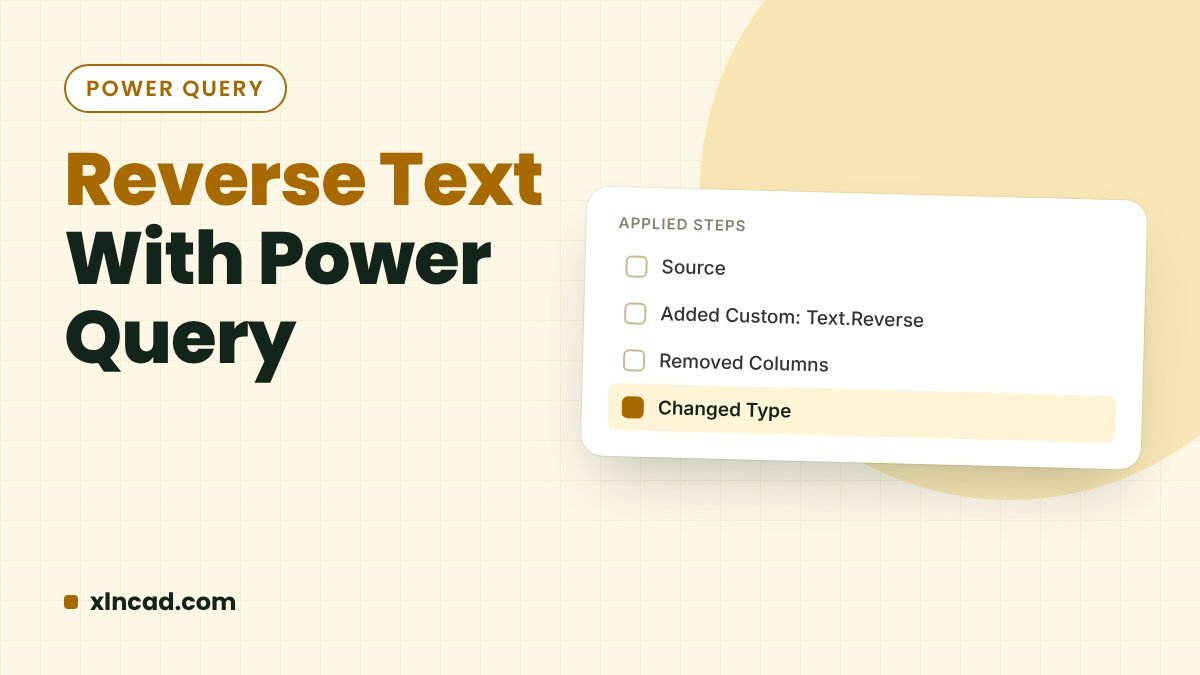
Reverse Text Using Power Query

Reverse Text With Power Query

Power Query's Text.Reverse reverses each text string in a column, so Ajay becomes yajA. Wrap it in Text.Proper to tidy the capitals, and refresh whenever the list changes. M functionText.Reverse Tidy capitalsText.Proper(Text.Reverse(…)) Works inExcel 2016 and later, Power BI Step 1: Load the list Click in the list → Data → From Table/Range → OK. … Read more