The Google Sheets IF function checks a condition and returns one value if it's true and another if it's false, such as Pass or Fail. For several conditions, use IFS, AND and OR.
PurposeReturn one value or another based on a test
Returnsvalue_if_true or value_if_false
Available inGoogle Sheets (web, Android and iPhone), Excel
logical_expression |
A test that is TRUE or FALSE, such as B2>=40. |
|---|---|
value_if_true |
What to return when the test is TRUE. |
value_if_false optional |
What to return when it's FALSE. Left out, IF returns FALSE. |
Basic example
=IF(B2>=40, "Pass", "Fail")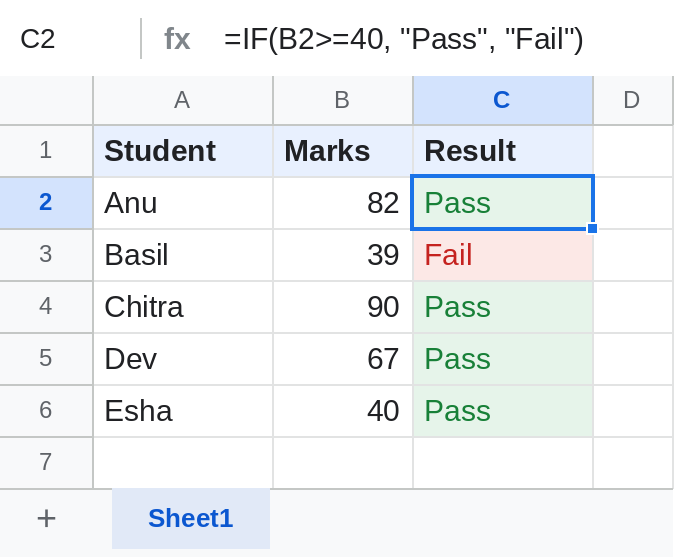
Text goes in double quotes; numbers and formulas don't: =IF(B2>=600, B2*5%, 0).
Grades with IFS
=IFS(B2>=90,"A+", B2>=75,"A", B2>=60,"B", B2>=50,"C", B2>=40,"D", TRUE,"F")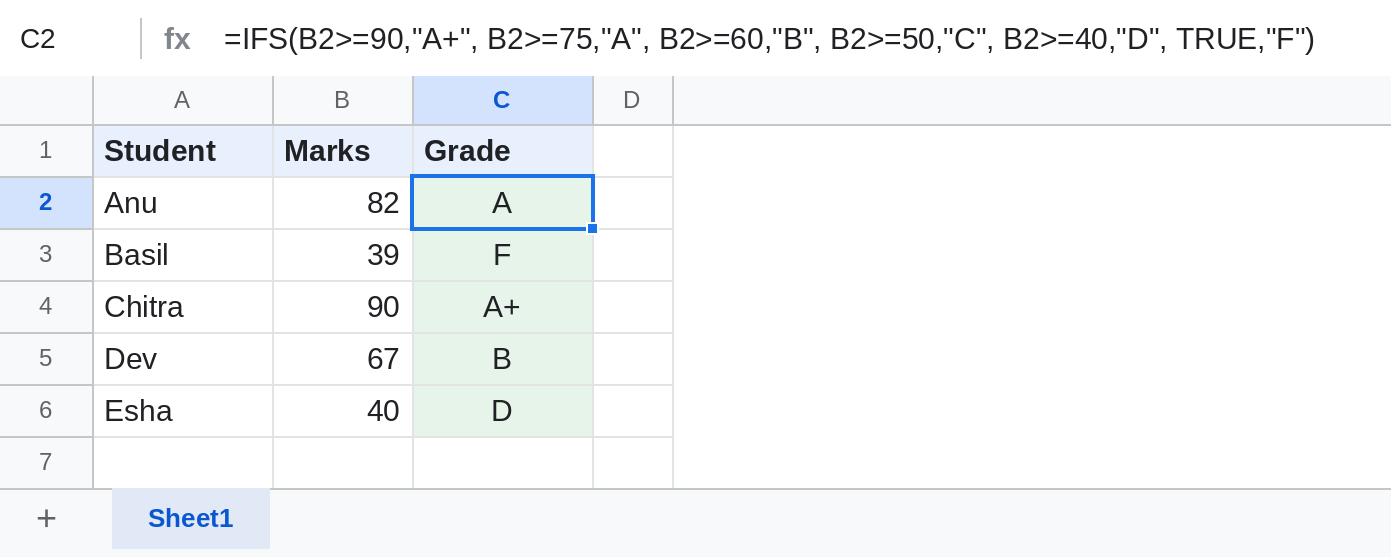
IFS checks the pairs in order and returns the first match. TRUE at the end catches everything else.
Two conditions with AND
=IF(AND(B2>=40, C2>=75%), "Eligible", "Not eligible")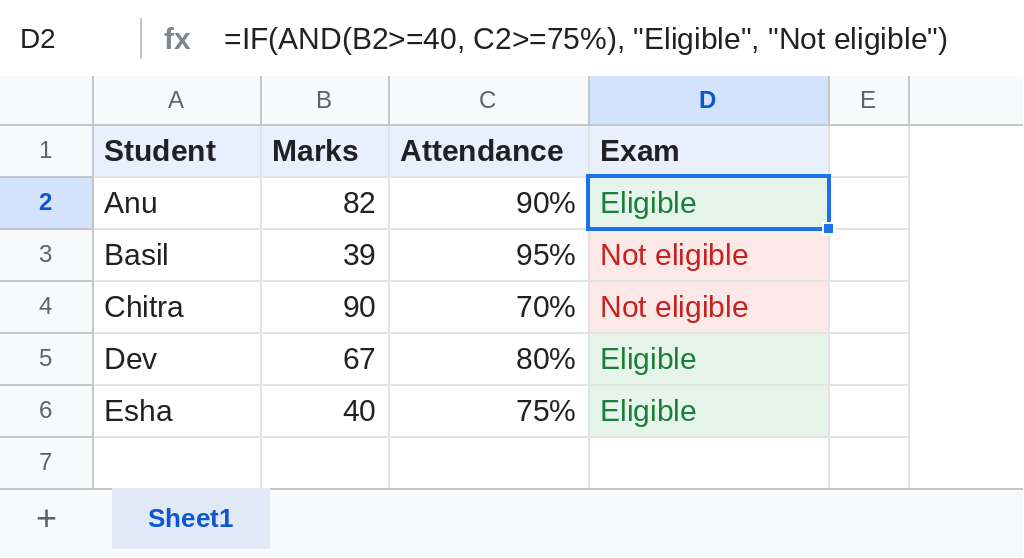
Basil has the attendance but not the marks, and Chitra the marks but not the attendance, so neither is eligible. Use OR when either condition is enough.
More IF patterns
| Task | Formula |
|---|---|
| Leave blank if empty | =IF(B2="", "", B2*2) |
| Either condition | =IF(OR(B2="Absent", B2=""), "Check", "OK") |
| Text contains a word | =IF(REGEXMATCH(A2, "(?i)urgent"), "High", "Normal") |
Notes
- Comparisons ignore case:
"pass"equals"PASS". - In ARRAYFORMULA, AND and OR don't work row by row; use
*and+. See ARRAYFORMULA.
Common errors
| Problem | Cause | Fix |
|---|---|---|
| Formula parse error | Text without quotes, or a missing comma | Put text in double quotes |
| Always the same result | Numbers stored as text compared with numbers | Convert with VALUE |
| FALSE shown | value_if_false left out | Add the third argument, even "" |
Practice file
Marks and attendance with all three IF examples. Upload to Google Drive and open with Google Sheets.