The 5×5 rule says each slide should have no more than 5 lines, and each line no more than 5 words. It forces you to put the detail in what you say, not on the screen.
Lines per slide5 or fewer
Words per line5 or fewer
Variant5×5×5: no more than 5 text slides in a row
Why it works
People struggle to read a full slide and listen to you at the same time. When both compete for attention, they remember less of each. Research on multimedia learning calls this the redundancy effect: short points on screen and the explanation spoken works better than reading the same words aloud.
Before and after
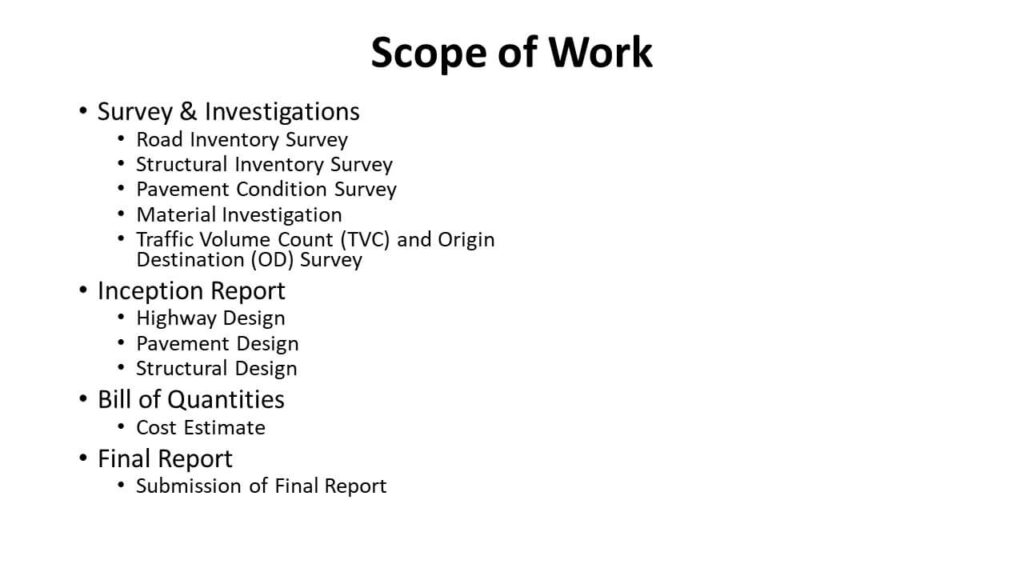
A slide crowded with full sentences:
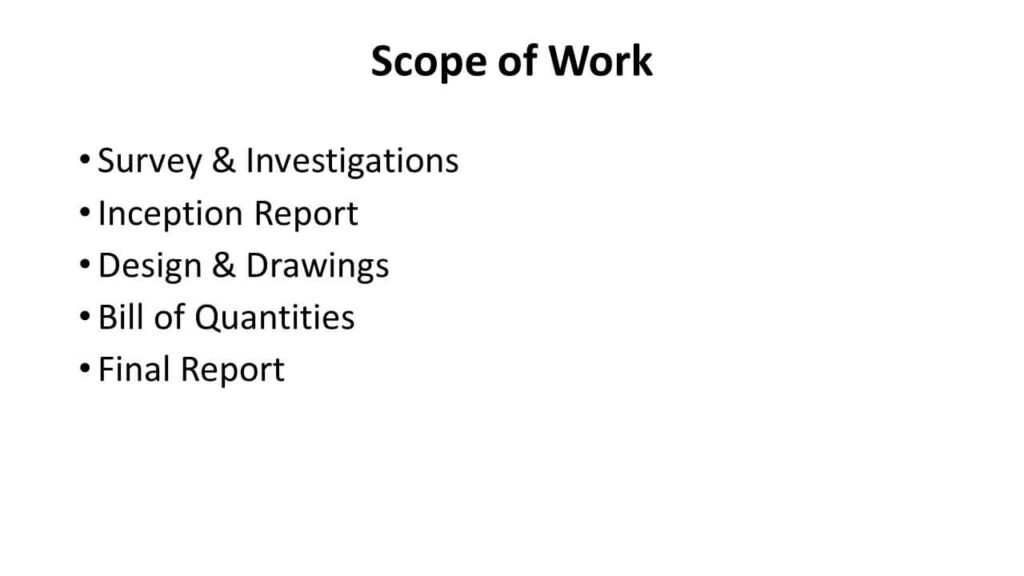
The same slide after applying 5×5. Each line is a prompt, and the detail is in the talk:
How to cut a slide down
- Keep one idea per slide. If there are two, make two slides.
- Turn sentences into short phrases: “Sales grew 18% in the south” → “South: +18%”.
- Move the detail to the speaker notes (Alt + W, N or View → Notes).
- Replace a list of numbers with a chart.
Other slide rules
| Rule | What it says |
|---|---|
| 5×5 | 5 lines, 5 words a line |
| 6×6 | 6 lines, 6 words a line |
| 5×5×5 | Also, no more than 5 text-heavy slides in a row |
| 10/20/30 | 10 slides, 20 minutes, 30-point minimum font (Guy Kawasaki) |
Design basics
- Keep the design simple: plain backgrounds and one or two clear fonts.
- Use strong contrast between text and background.
- Use one template for the whole deck.
- Use animation only when it explains something.