In Microsoft 365 and Excel 2021, one formula can return a whole list or table of results. It spills into the cells around it and updates when the source changes. These are the functions built for it, grouped by job, with links to each guide.
Works inMicrosoft 365, Excel 2021 and 2024, Excel for the web
Spill referenceA2# refers to the whole result
Blocked spill#SPILL! error
How spilling works
Type =UNIQUE(B2:B50) in one cell and the distinct values fill the cells below it. Only the first cell holds the formula; the others show a light border and can't be edited.

| Notation | Meaning |
|---|---|
D2# |
The whole spill range that starts in D2, however long it gets: =COUNTA(D2#) |
@ |
Forces one result instead of a spill. Older formulas opened in 365 sometimes show it |
#SPILL! |
Something is in the way. See formula errors |
Filter, sort and remove duplicates
| Function | Does |
|---|---|
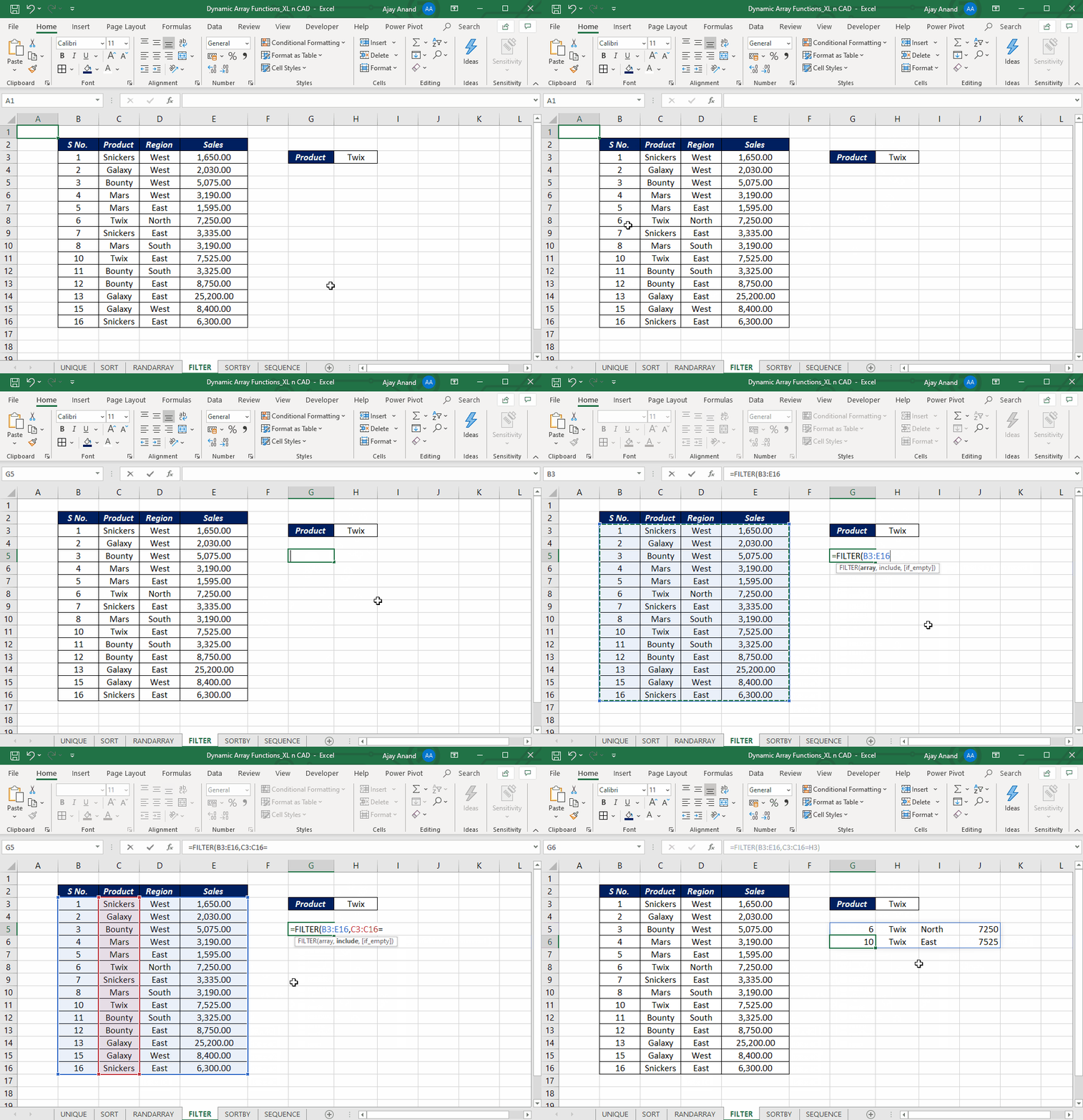
| FILTER | Returns the rows that meet a condition |
| SORT | Sorts a range by a column |
| SORTBY | Sorts by another range or several columns |
| UNIQUE | Lists distinct values, or values that appear once |

Generate numbers
| Function | Does |
|---|---|
| SEQUENCE | A list or grid of numbers: 1, 2, 3… |
| RANDARRAY | A list or grid of random numbers |

Look up
Split and join text
| Function | Does |
|---|---|
| TEXTSPLIT | Splits text into columns or rows |
| TEXTBEFORE / TEXTAFTER | Text before or after a delimiter |
| TEXTJOIN | Joins a range with a separator |
Combine and reshape
| Function | Does |
|---|---|
| VSTACK / HSTACK | Stacks ranges vertically or side by side |
| CHOOSECOLS | Picks columns by number |
| TOCOL, TOROW, WRAPROWS, WRAPCOLS, TAKE, DROP, EXPAND | Reshape and resize: see TEXTSPLIT and 13 new functions |
Summarise
| Function | Does |
|---|---|
| GROUPBY | Totals by group, like a PivotTable, in one formula |
| PIVOTBY | Totals by rows and columns |
Build your own
| Function | Does |
|---|---|
| LET | Names parts of a formula so it's shorter and faster |
| LAMBDA | Creates your own reusable function |