The easiest way to count Sundays (or any day) between two dates is NETWORKDAYS.INTL with a weekend code: =NETWORKDAYS.INTL(C2,C3,"1111110") counts Sundays. A SUMPRODUCT and WEEKDAY formula does the same and is easy to adapt.
Table of Contents
Method 1: NETWORKDAYS.INTL
NETWORKDAYS.INTL counts working days. Its third argument is a 7-character code, Monday to Sunday, where 1 = skip and 0 = count. Mark every day except the one you want as 1:
| To count | Code | Formula (start in C2, end in C3) |
|---|---|---|
| Sundays | "1111110" |
=NETWORKDAYS.INTL(C2,C3,"1111110") |
| Wednesdays | "1101111" |
=NETWORKDAYS.INTL(C2,C3,"1101111") |
| Saturdays and Sundays | "1111100" |
=NETWORKDAYS.INTL(C2,C3,"1111100") |
| Monday to Friday | "0000011" |
=NETWORKDAYS.INTL(C2,C3,"0000011") |
Both dates are included. Add a holiday list as the fourth argument to leave those days out.
Method 2: SUMPRODUCT, WEEKDAY and SEQUENCE (Excel 365)
=SUMPRODUCT(--(WEEKDAY(SEQUENCE(C3-C2+1,,C2))=1))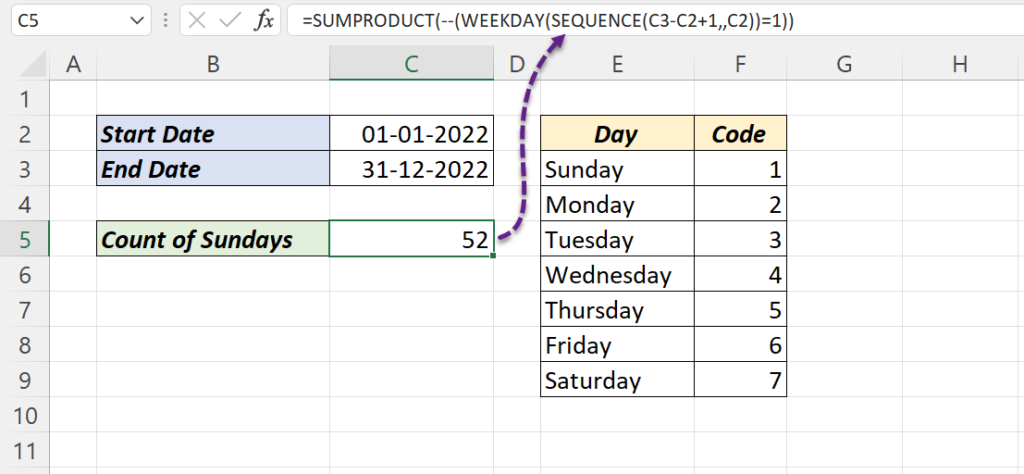
| Part | What it does |
|---|---|
SEQUENCE(C3-C2+1,,C2) |
Lists every date from start to end |
WEEKDAY(…) |
Turns each date into 1 (Sunday) to 7 (Saturday) |
=1 |
TRUE for each Sunday |
SUMPRODUCT(--…) |
Counts the TRUEs: 52 for 2022 |
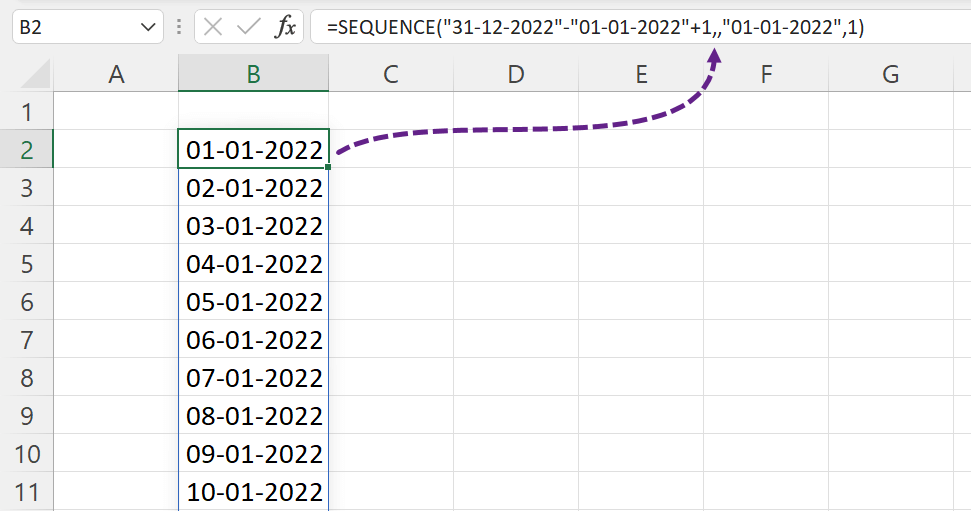
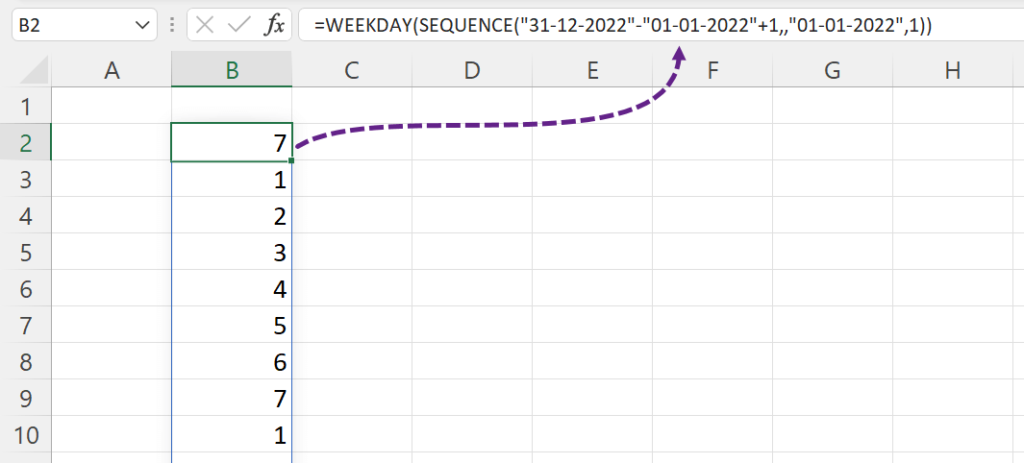
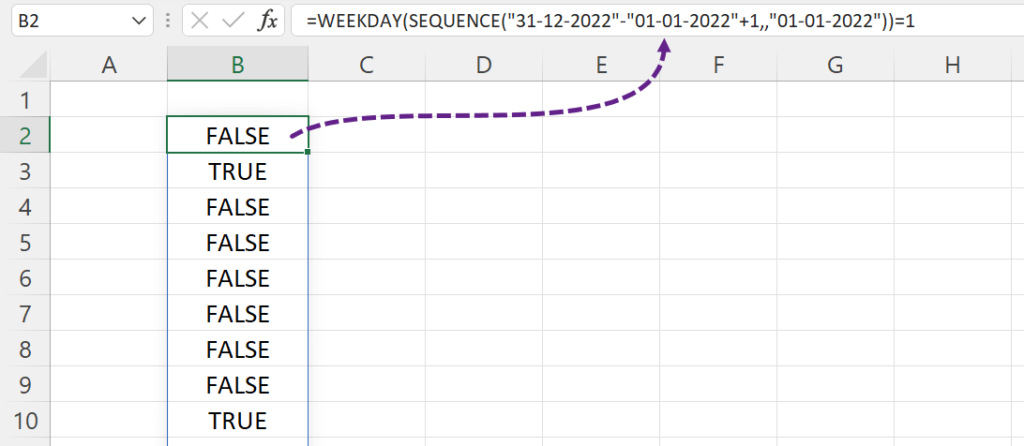
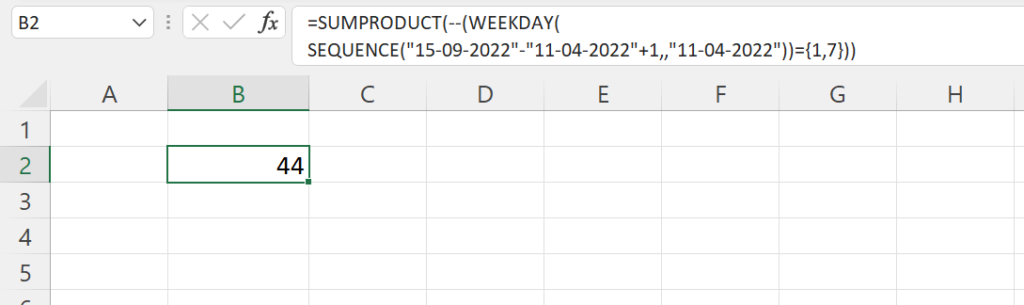
For Wednesdays, change =1 to =4. For Saturdays and Sundays, compare with both: =SUMPRODUCT(--(WEEKDAY(SEQUENCE(C3-C2+1,,C2))={1,7})). From 11 April to 15 September 2022 that gives 44.
Older Excel without SEQUENCE: =SUMPRODUCT(--(WEEKDAY(ROW(INDIRECT(C2&":"&C3)))=1)).
Typing dates in the formula
Use DATE rather than text such as "31-12-2022", which Excel reads differently depending on your date settings:
=NETWORKDAYS.INTL(DATE(2022,1,1),DATE(2022,12,31),"1111110")