Limit the Number of Characters in an Excel Cell
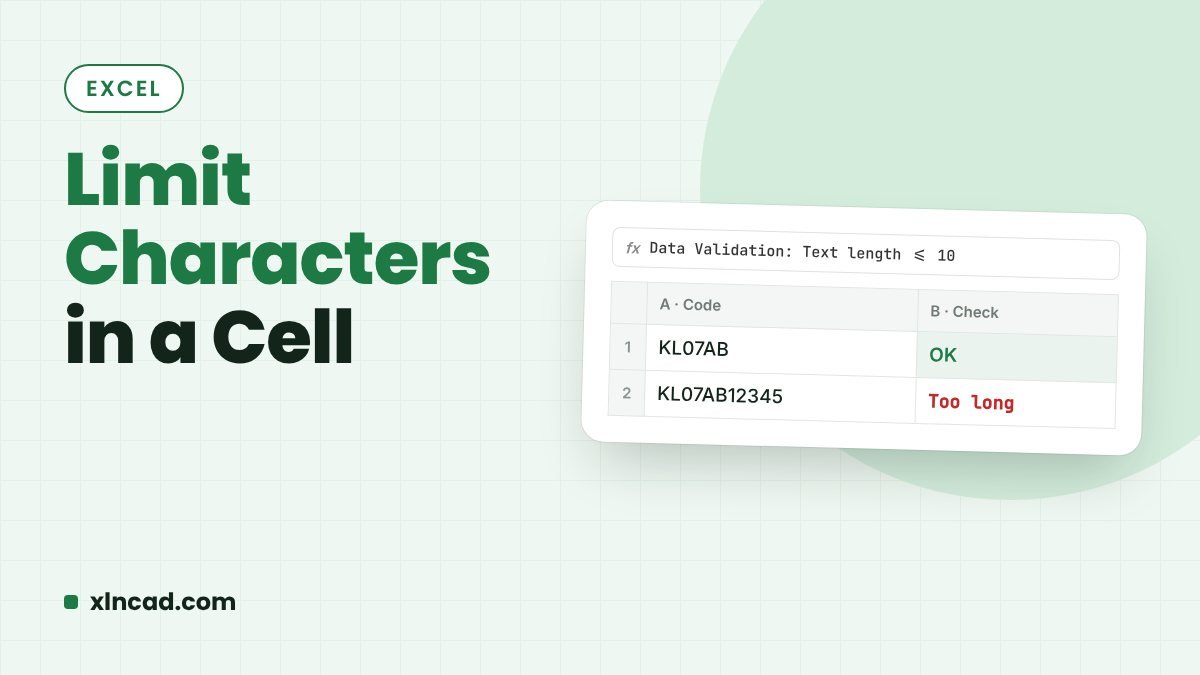
Limit Characters in a Cell

Data Validation can stop people typing more than a set number of characters into a cell, or insist on an exact length, such as a 10-digit mobile number or a 6-digit PIN code. WhereData → Data Validation → Text length Exact lengthCustom formula with LEN Works inAll versions Allow up to 5 characters Select the … Read more
Separate Positive and Negative Numbers in Excel

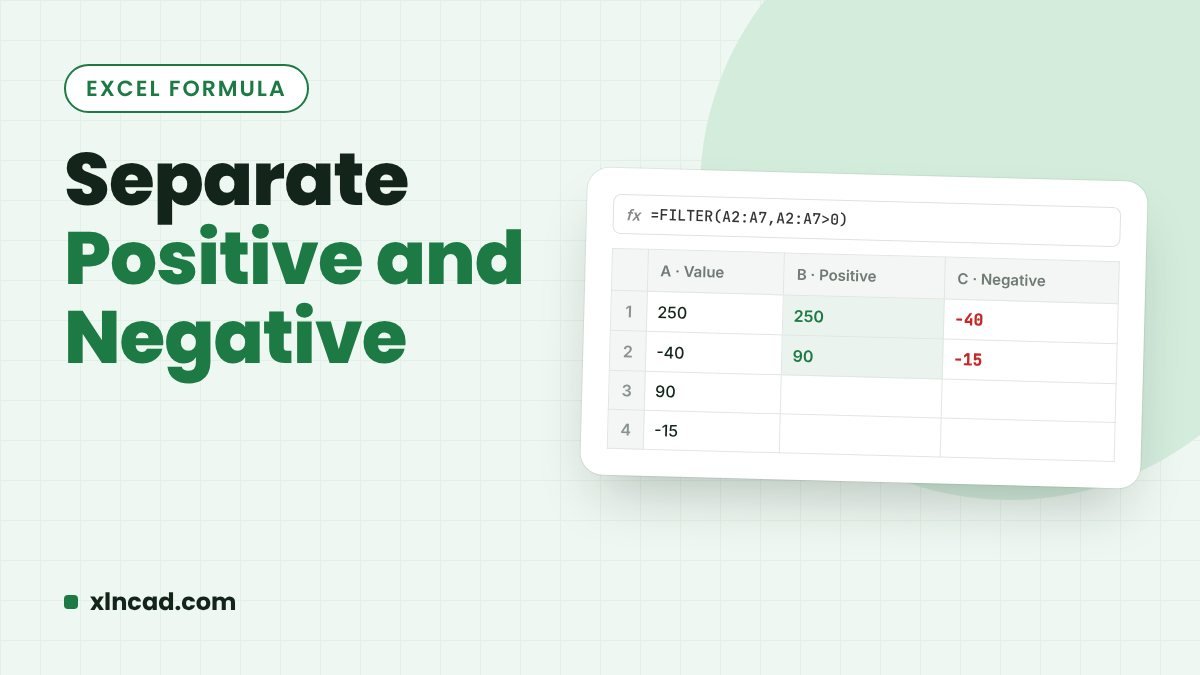
Separate Positive and Negative

To split a column of amounts into positive and negative columns, such as receipts and payments in a bank statement, use =MAX(B3,0) and =MIN(B3,0), an IF formula that leaves blanks, or FILTER for two separate lists. Power Query does it for large data. fx=MAX(B3,0) ProblemSplit amounts into positive and negative columns Functions usedMAX, MIN, IF, … Read more

Overline Text in Excel (3 Ways)

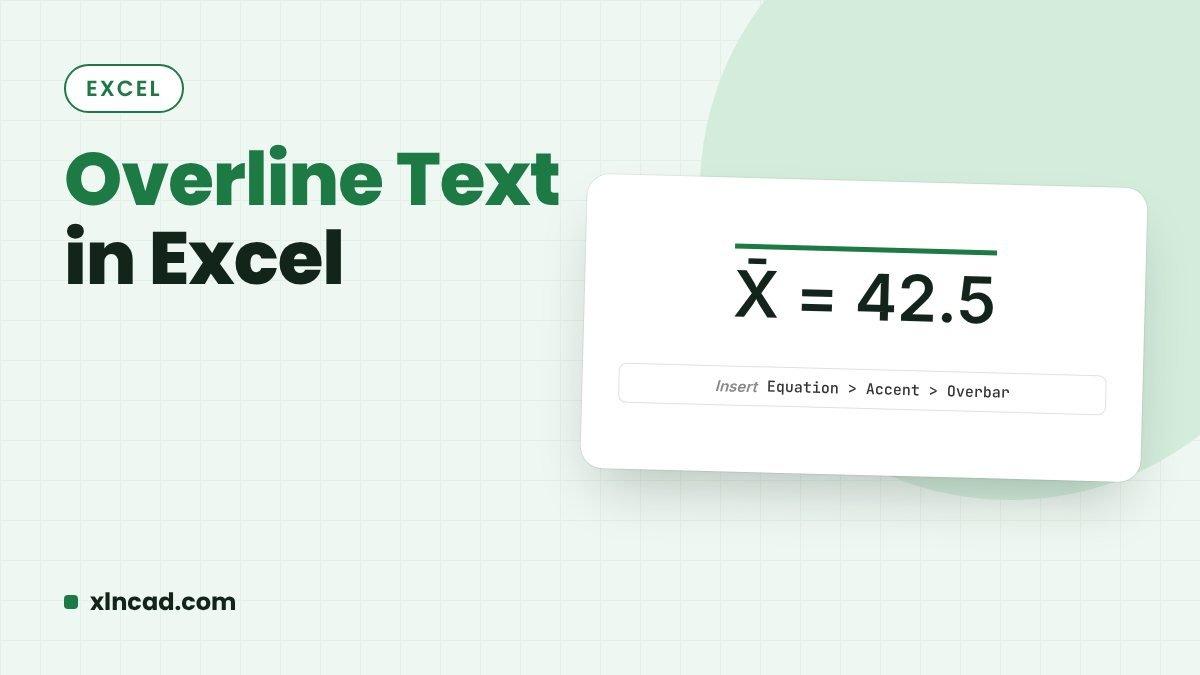
Overline Text in Excel

Excel has underline but no overline button. You can get the look with a formula that adds a line of underscores above the text, a combining overline character, or the Equation tool. FormulaREPT and CHAR(10) Excel 365UNICHAR(773) Exact lookInsert → Equation Method 1: Underscores above the text =REPT("_",LEN(B3))&CHAR(10)&B3Copy REPT writes one underscore per character, CHAR(10) … Read more

Pick a Random Value From a List in Excel

Pick a Random Value

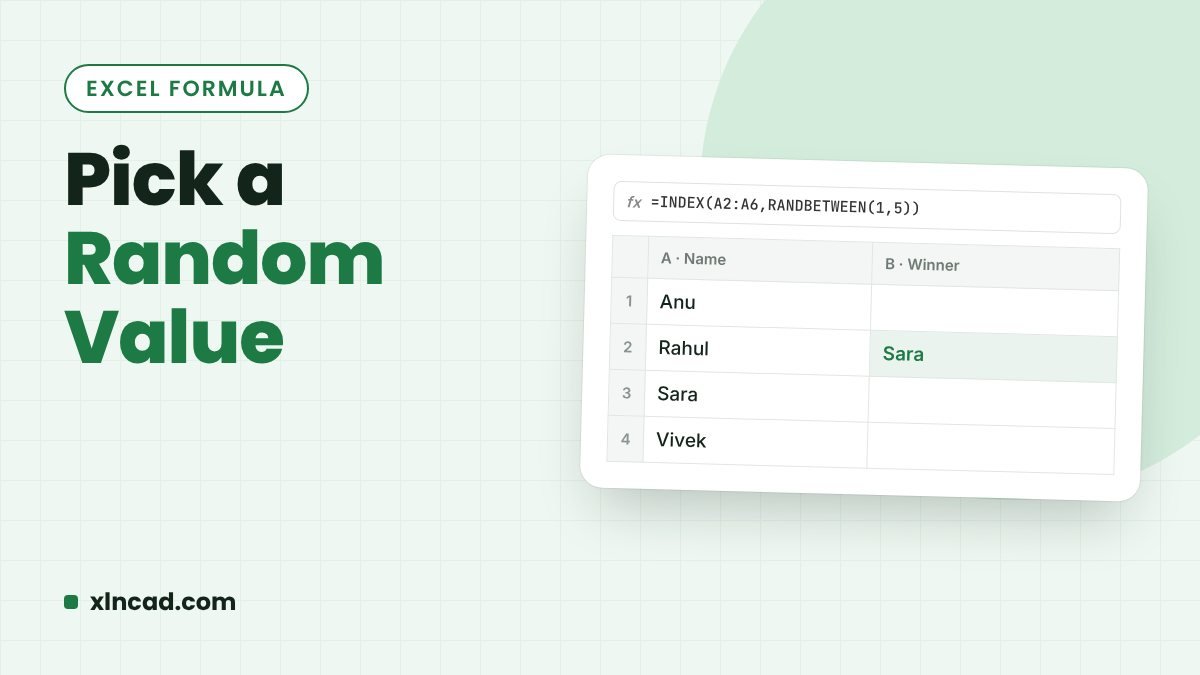
To pick a random winner, question or name, use =INDEX(B3:B8,RANDBETWEEN(1,ROWS(B3:B8))). It works for a list of any length and gives a new pick each time you press F9. Any versionINDEX + RANDBETWEEN Several, no repeatsExcel 365: TAKE + SORTBY + RANDARRAY New pickPress F9 Watch the short video: Pick a random name from a list … Read more

Select Visible Cells

Select Visible Cells Only

When rows are hidden, a normal copy also copies the hidden rows, and pasting can overwrite them. Press Alt + ; to select only the visible cells first, then copy or paste. ShortcutAlt + ; (Windows), Cmd + Shift + Z (Mac) MenuGo To Special → Visible cells only Filtered rowsAlready skipped automatically The problem … Read more

Connect Google Sheets to Excel

Connect Google Sheets to Excel

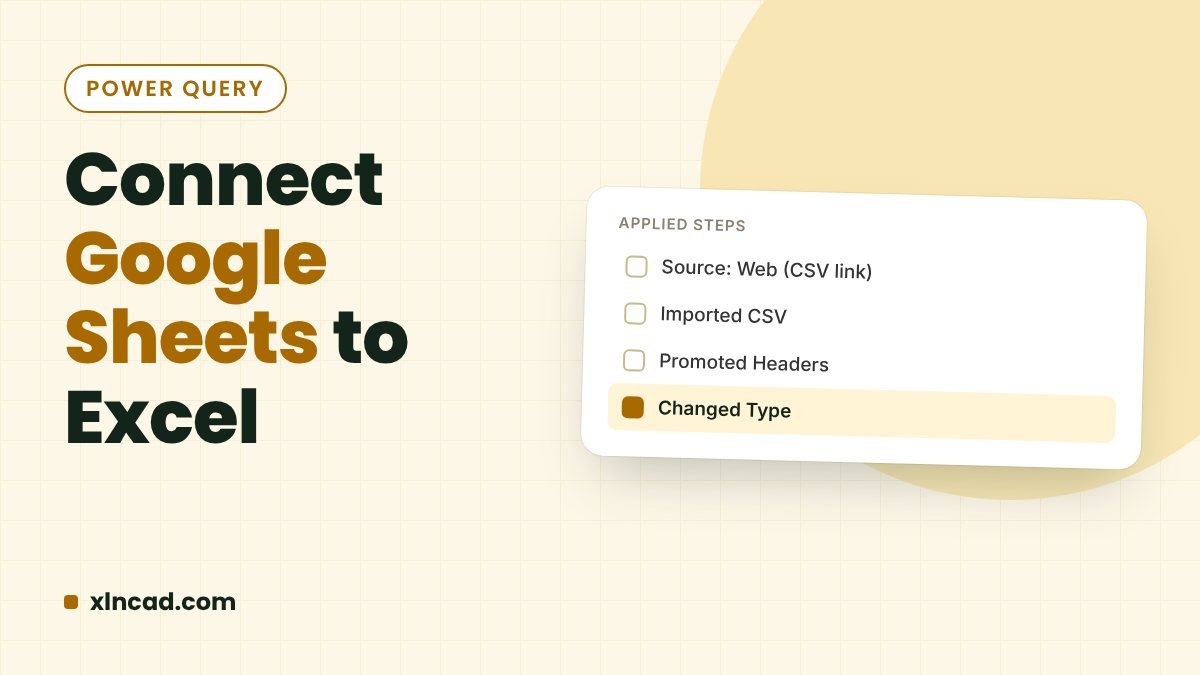
You can pull a Google Sheet into Excel with Power Query and refresh it whenever the sheet changes: no download, no copy-paste. The trick is one small change to the sheet’s share link. Works inExcel 2016 and later, Microsoft 365 (Windows); Excel for Mac with Power Query NeedsA Google Sheet shared as “Anyone with the … Read more